
Tear Tales
Your private diary of crying moments
The stories behind your tears.
Tear Tales is a private journal for your crying moments: write down when you cried, how much and why, find patterns over the year, and keep what is personal to you private.

- Free download
- iPhone & iPad
- Synced with iCloud
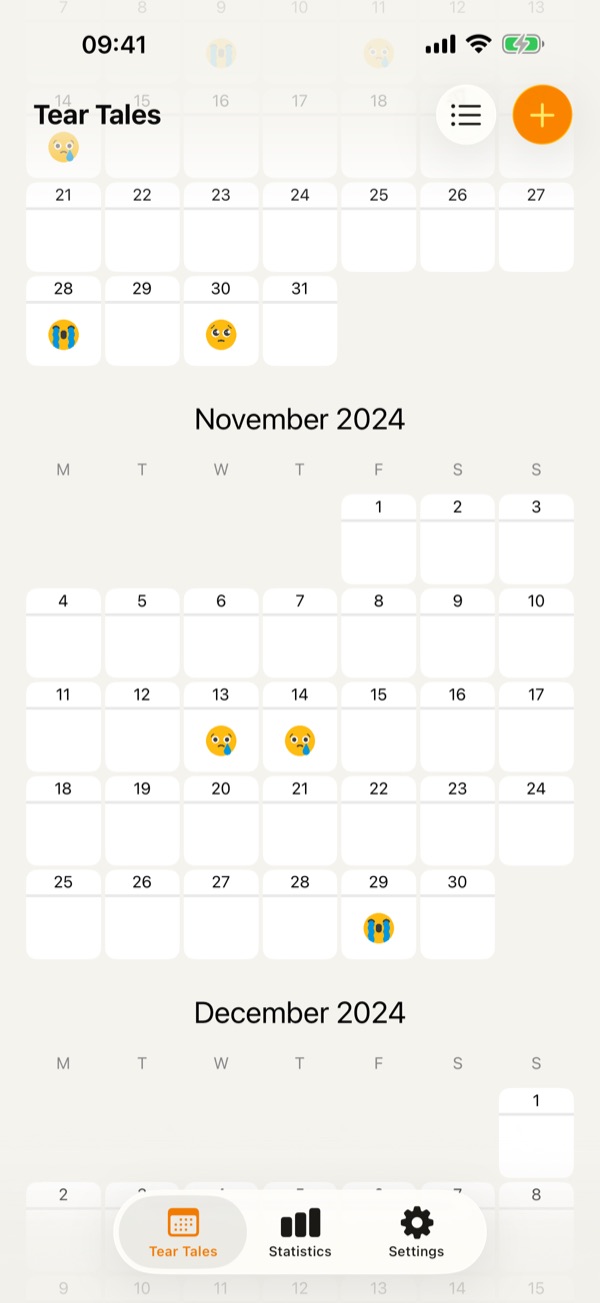
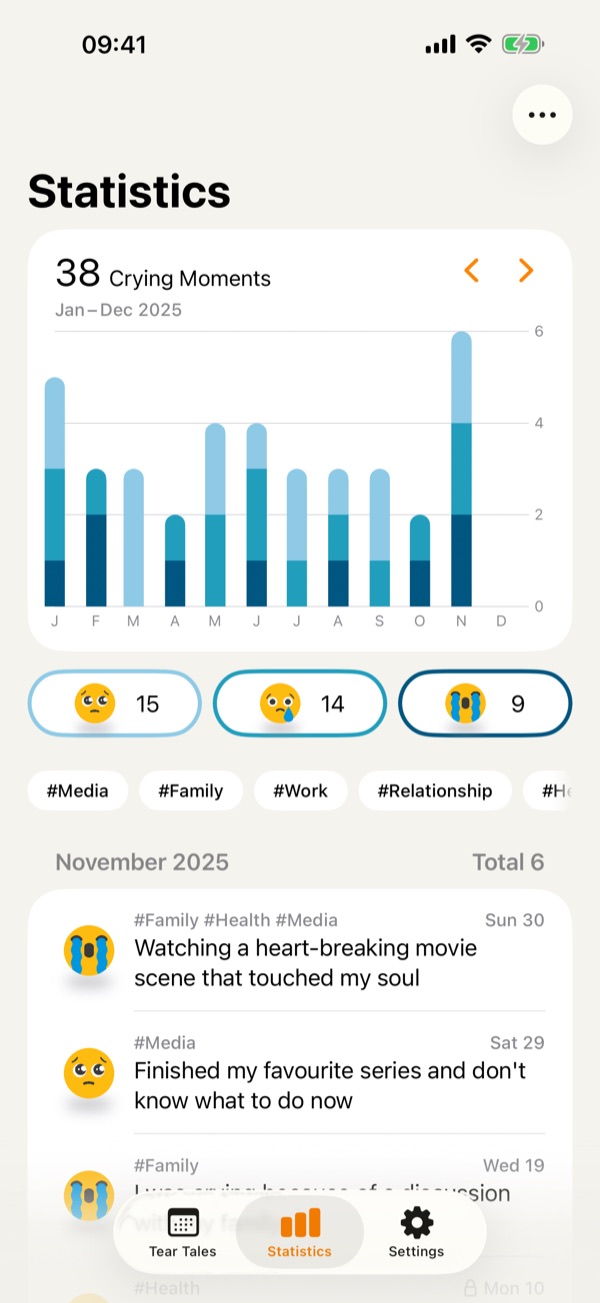
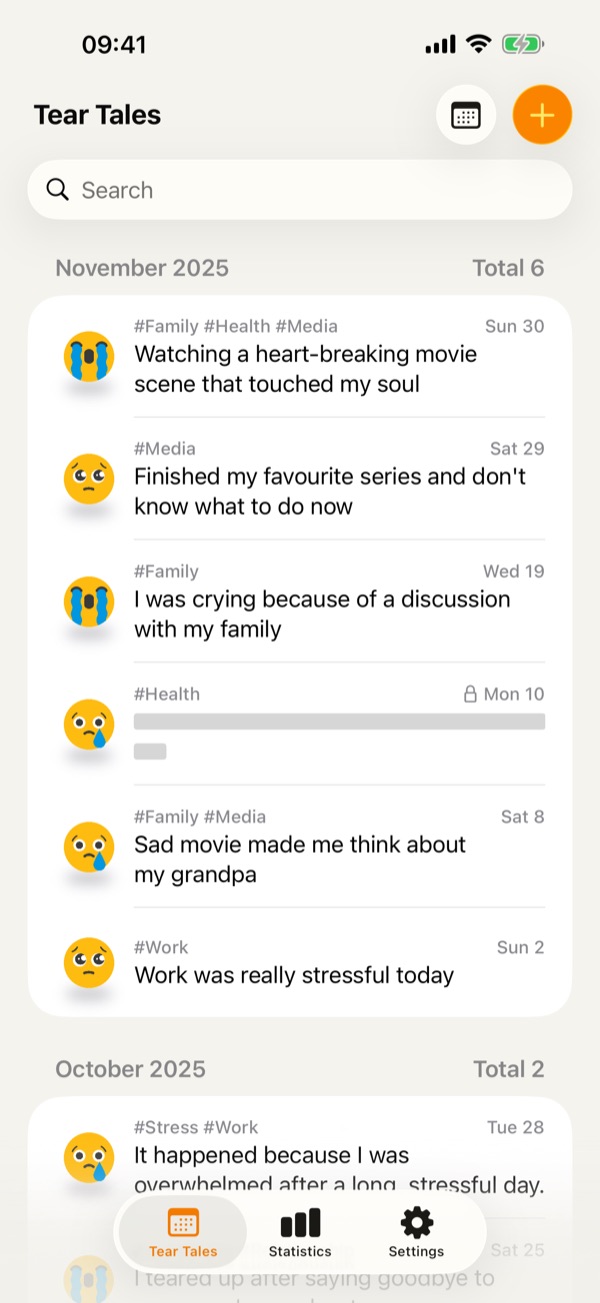
A look at Tear Tales
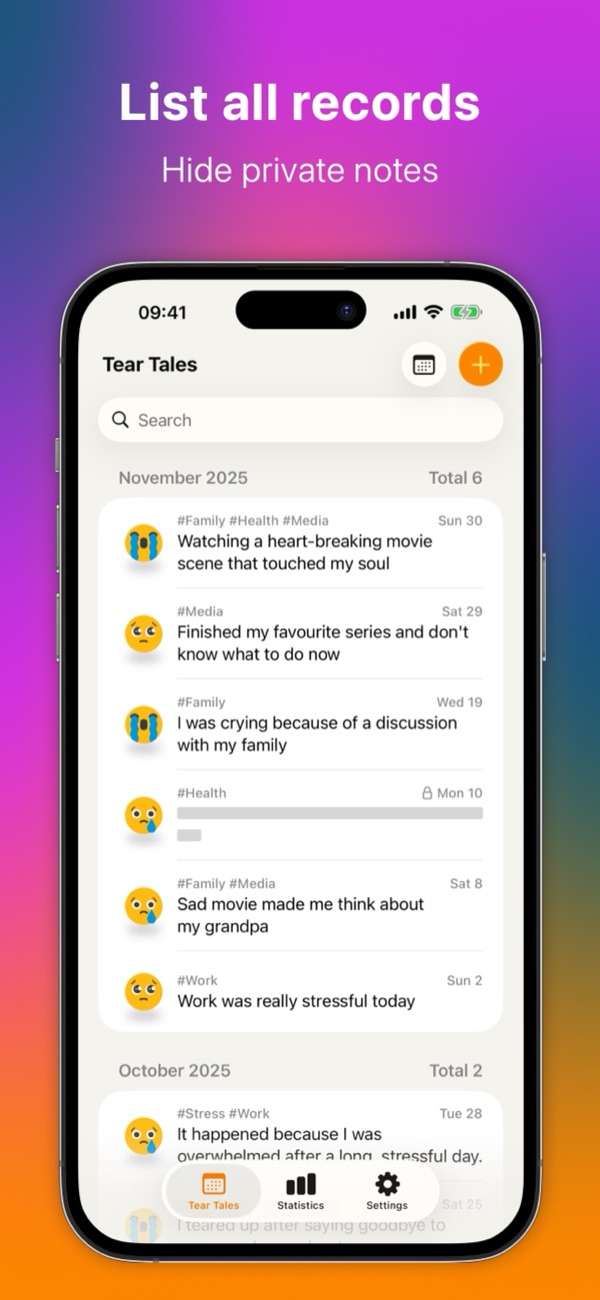
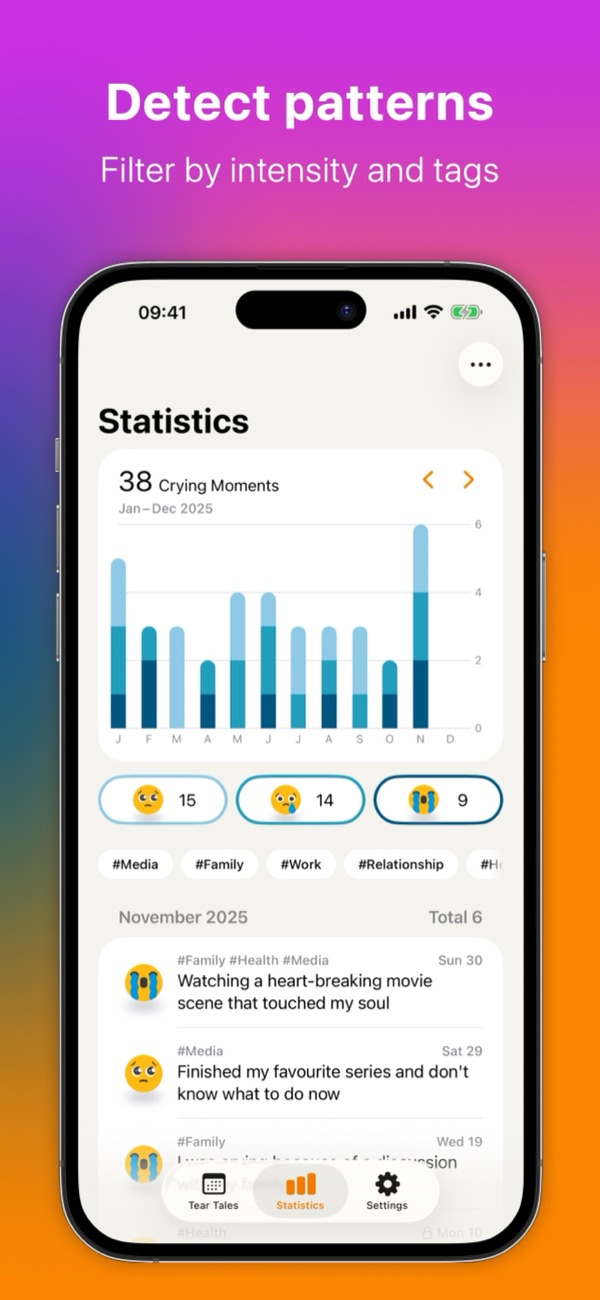
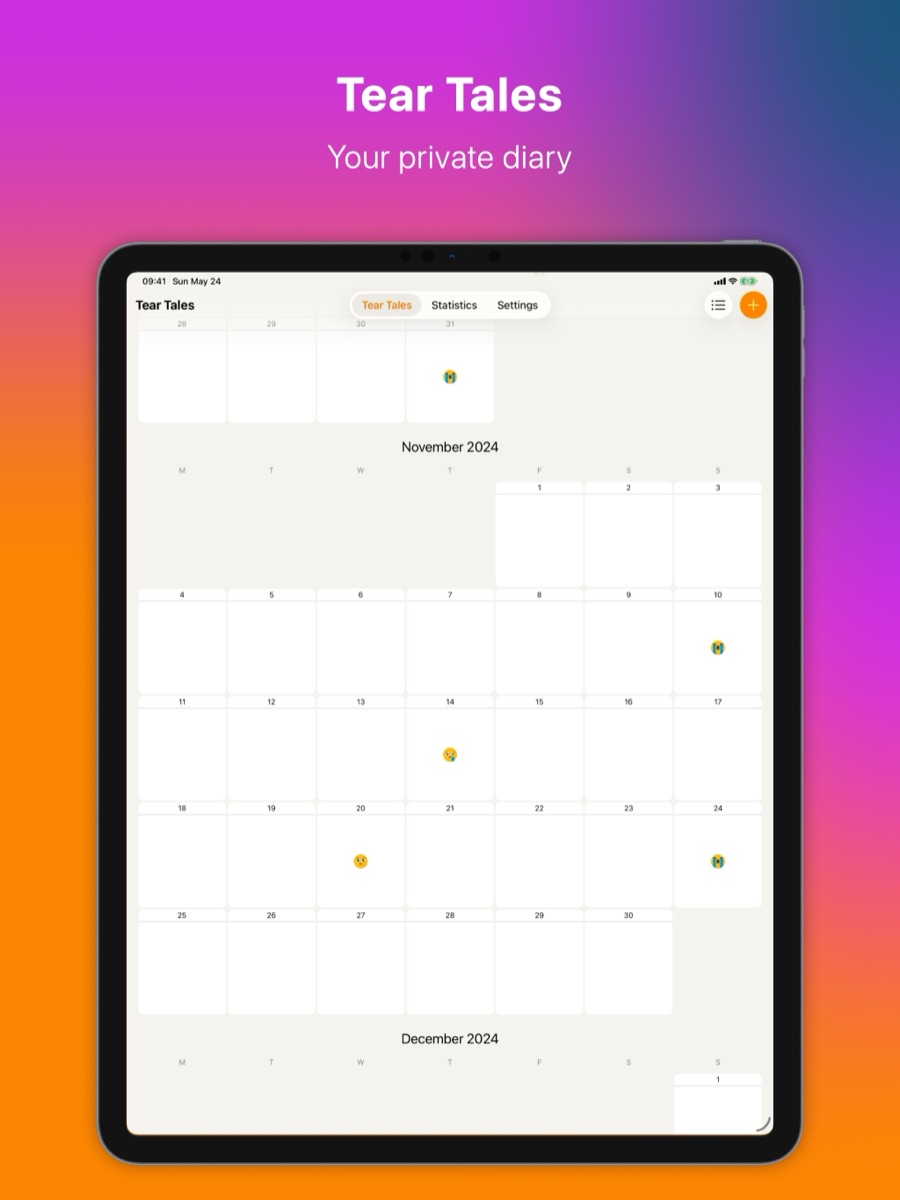
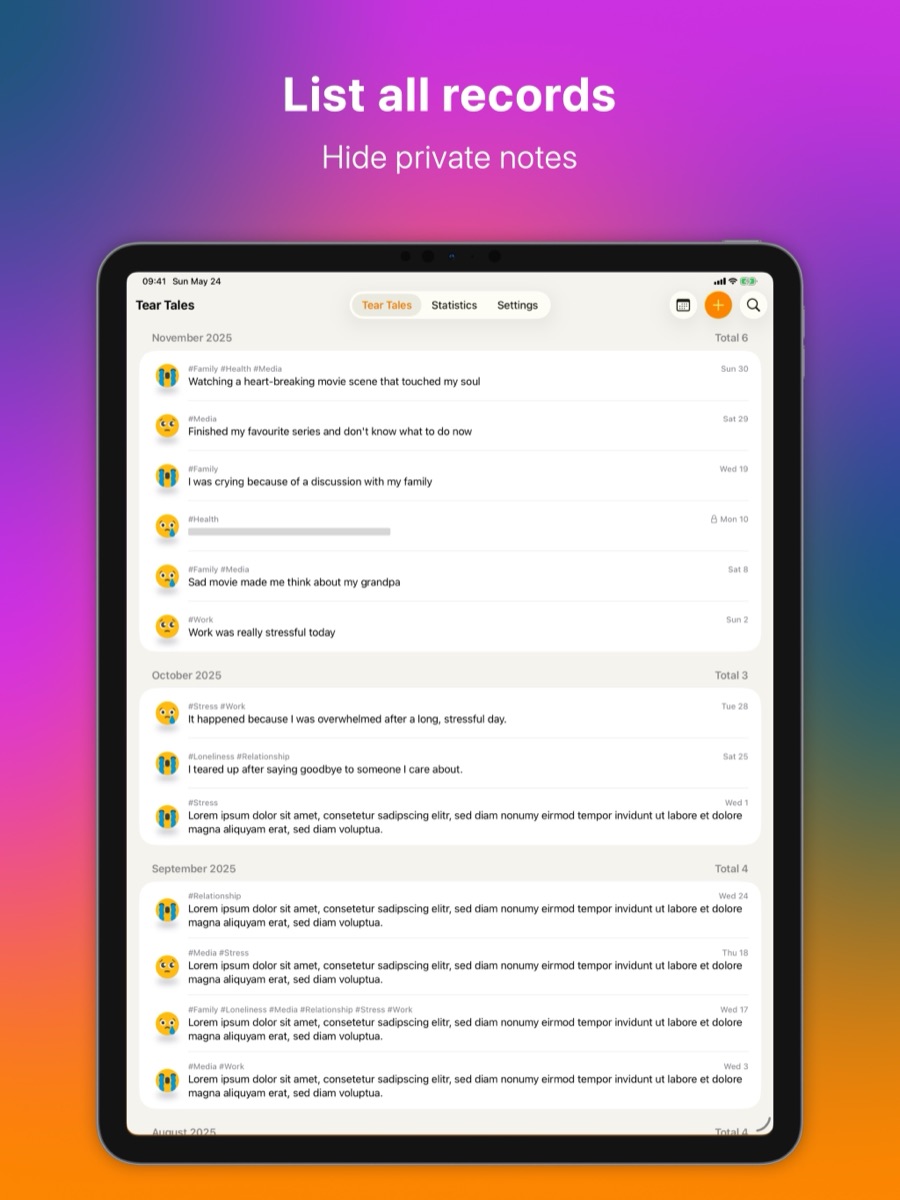
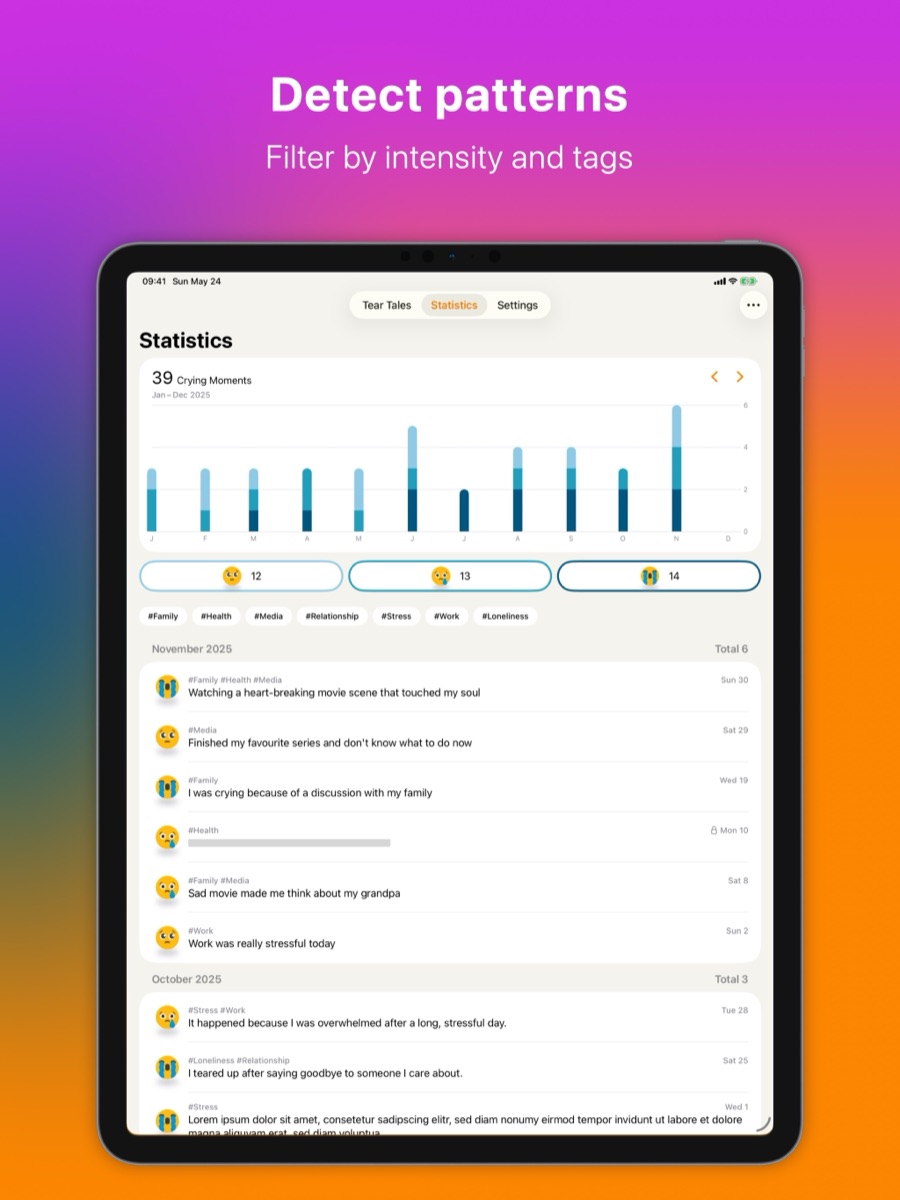
A calendar of your tears, a list of every record, and a chart of the whole year.
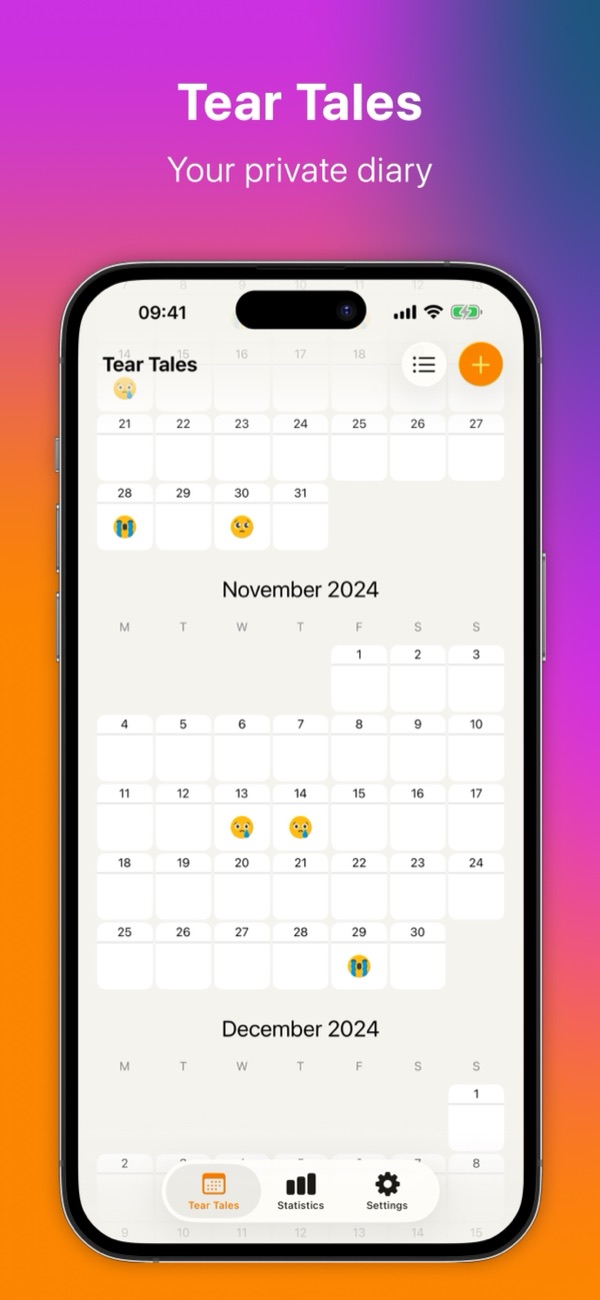
Made for sad moments
Quick to write down, easy to look back on, and private by design.
-
Capture your tears
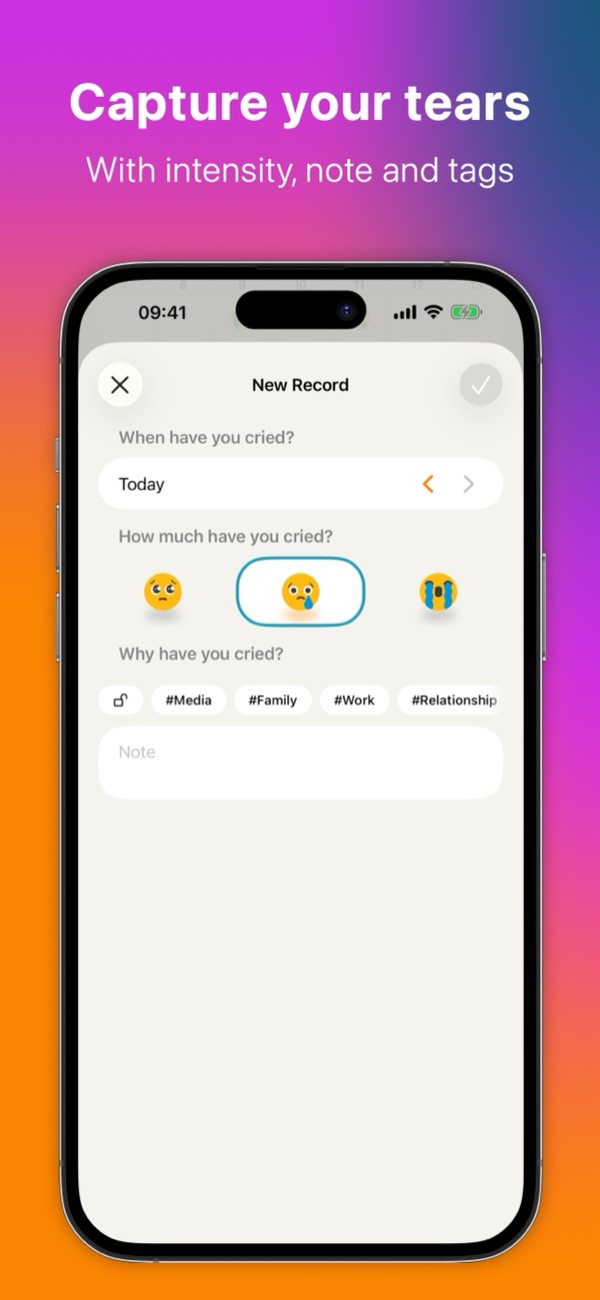
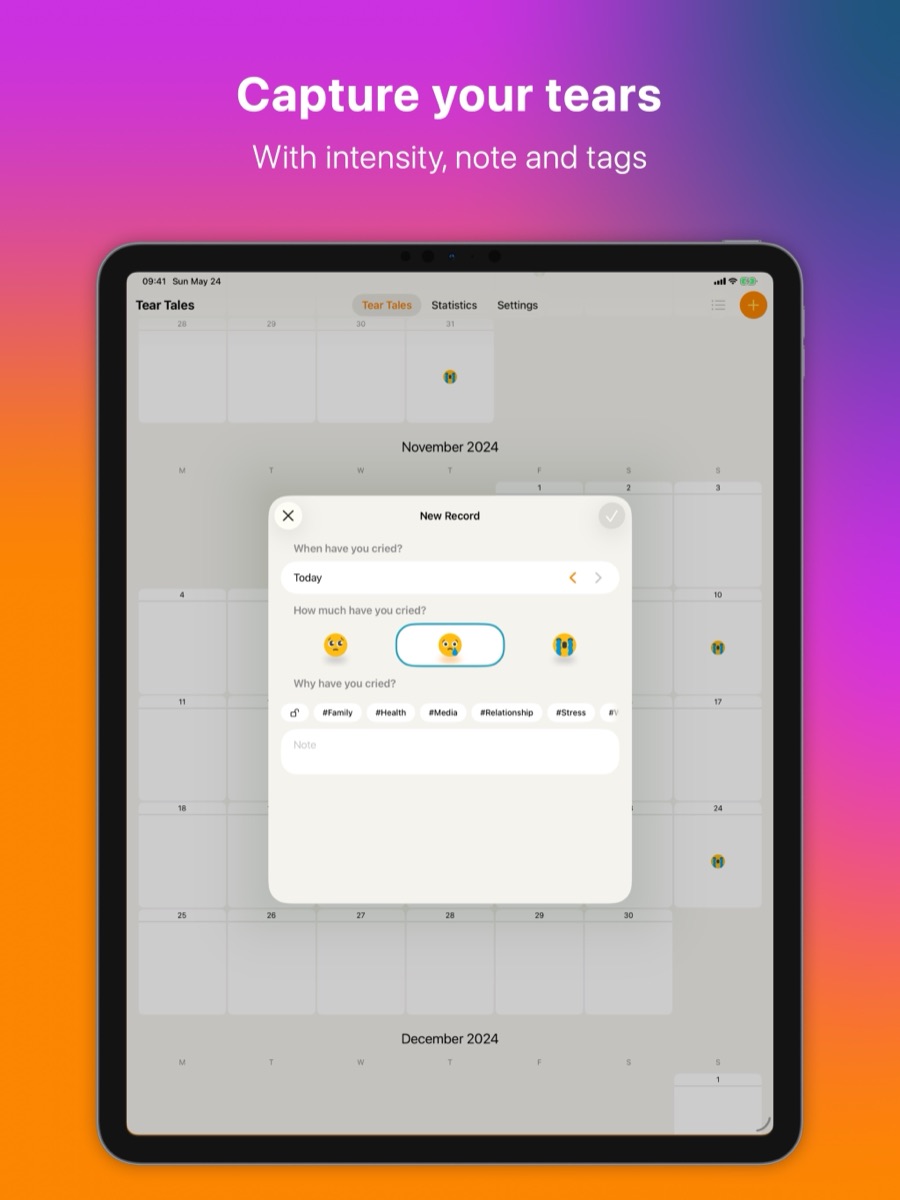
Record a crying moment in seconds: the date, how much you cried and, if you like, a note about why. Every record shows up in your calendar.
-
Tag what matters
Sort your moments with your own tags, such as family, work or a film. Five tags are free; Tear Tales Pro has no limit.
-
See your patterns
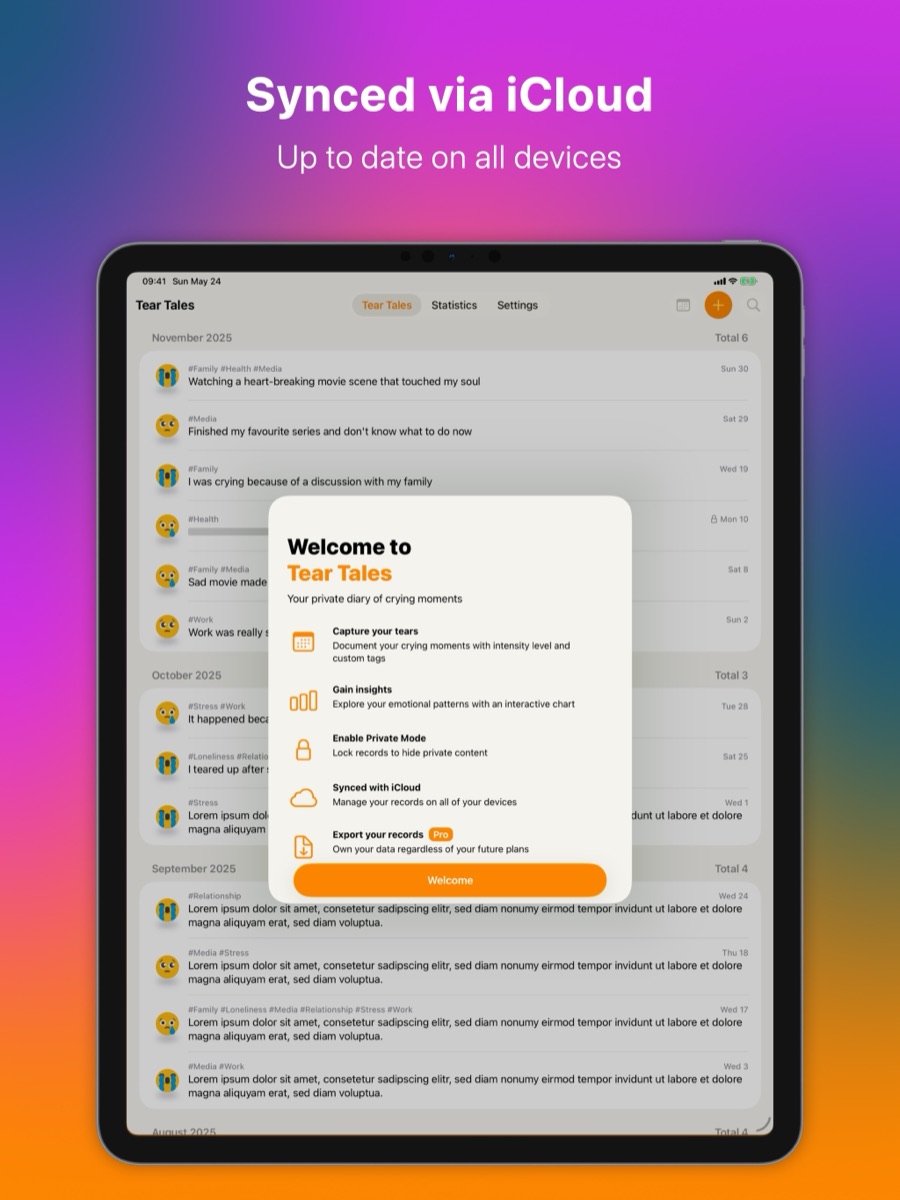
A year chart shows how your sad moments ebb and flow. Filter it by month, intensity and tag to find what you are looking for.
-
Private Mode
Lock sensitive records and turn on Private Mode: their notes are hidden, and opening them needs Face ID or Touch ID.
-
Synced with iCloud
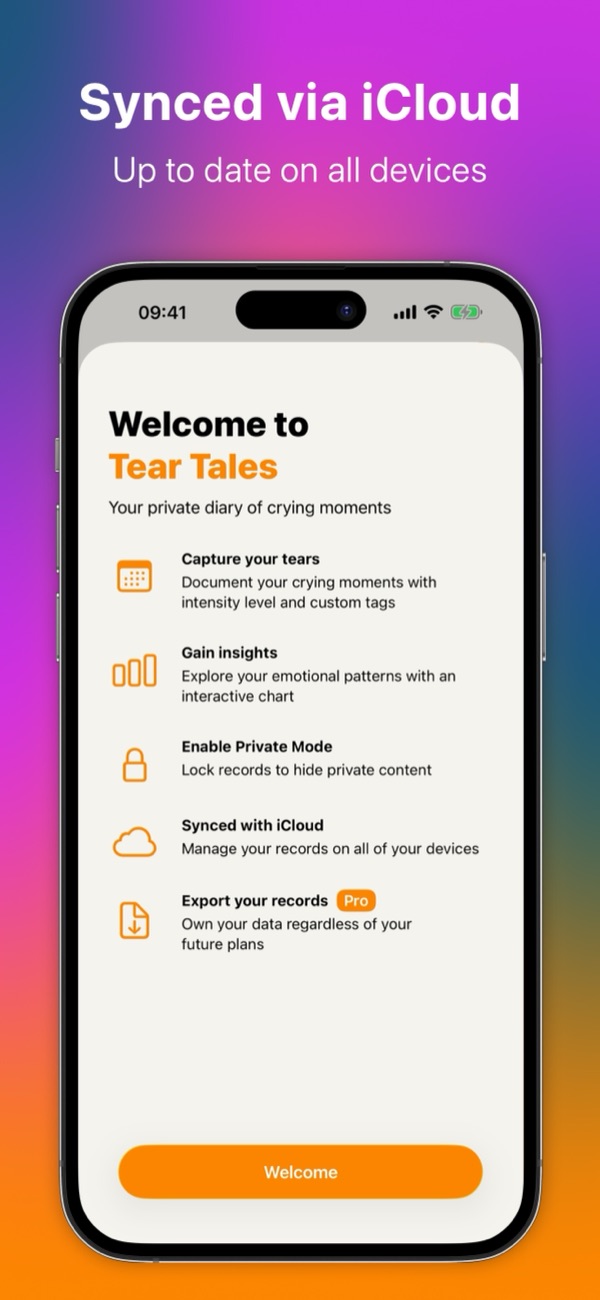
Your records sync through your own iCloud account, so they are up to date on your iPhone and iPad.
-
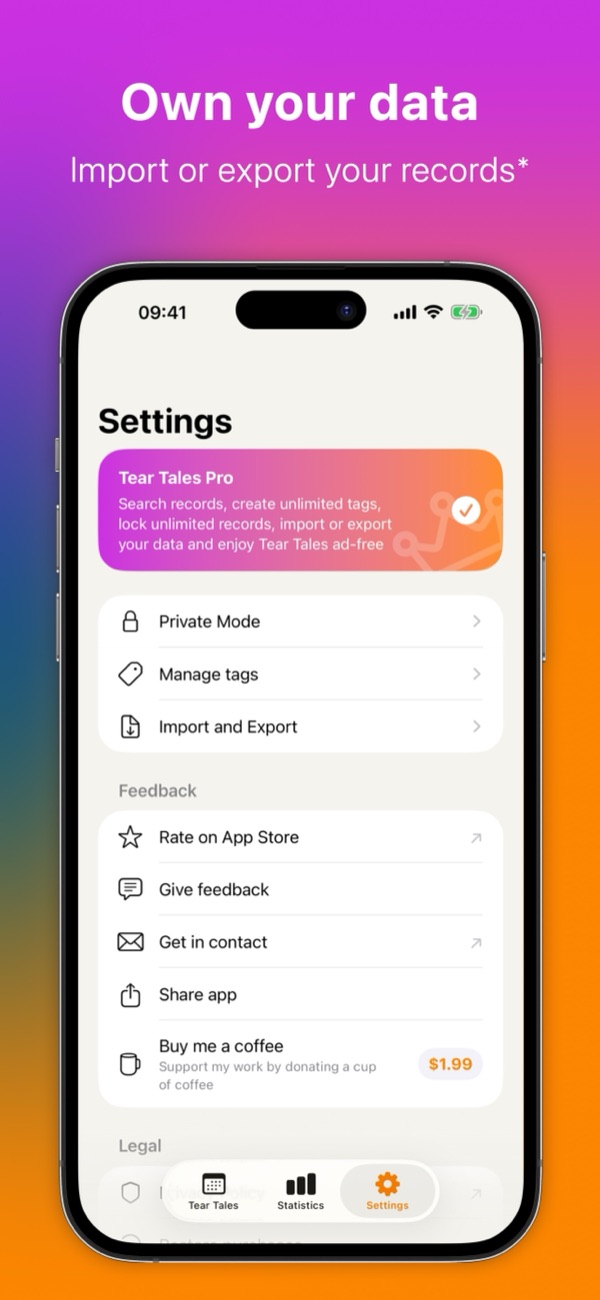
Own your data
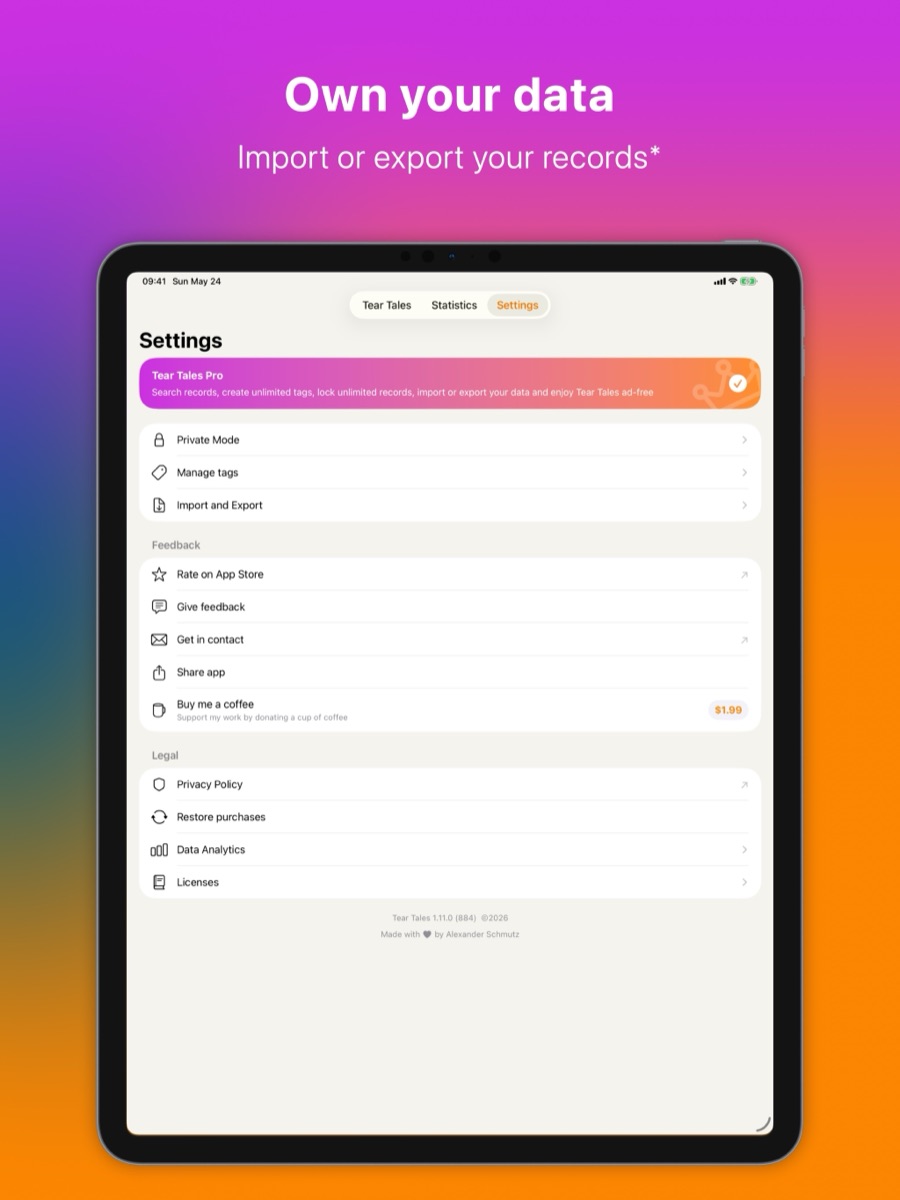
With Tear Tales Pro, export your records as CSV, JSON or text, and import them again from CSV or JSON.
Support
Something not working, or an idea? Write to apps@t-schmutz.de. I read every message.
Write to meWhat do I need to run Tear Tales?
An iPhone or iPad with iOS 17 or later. To sync your records between devices, sign in to iCloud on each of them.
Who can read my records?
Only you. Your records are stored on your device and in your own iCloud account; I have no server and cannot see them. Lock a record and turn on Private Mode to hide its note from anyone looking over your shoulder.
How does Private Mode work?
Mark a record as locked with the lock button when you write it, then turn on Private Mode in Settings. The notes of locked records are hidden in the list, and opening or editing them asks for Face ID or Touch ID. Five locked records are free; Tear Tales Pro has no limit.
What does Tear Tales Pro add?
Tear Tales is free and shows a small sponsor banner. Tear Tales Pro, an in-app purchase, adds search, unlimited tags and locked records, import and export of your records, and removes the banner.
Can I export my records?
Yes, with Tear Tales Pro. Under Import and Export in Settings you can save your records as a CSV table, a JSON file or plain text, and import them again from a CSV or JSON file in the same format.
Do you collect data about me?
Tear Tales has no account. It uses usage analytics, which you can switch off in Settings, and crash reports to improve the app, and the free version shows a sponsor banner. The content of your records is never sent to me. The privacy policy explains each service.
How do I get in touch?
Write to apps@t-schmutz.de, or use "Give feedback" in the app's Settings.
Get Tear Tales
Free on the App Store for iPhone and iPad. Tear Tales Pro, an in-app purchase, adds search, unlimited tags and locked records, import and export, and removes the ads.