Family Tree
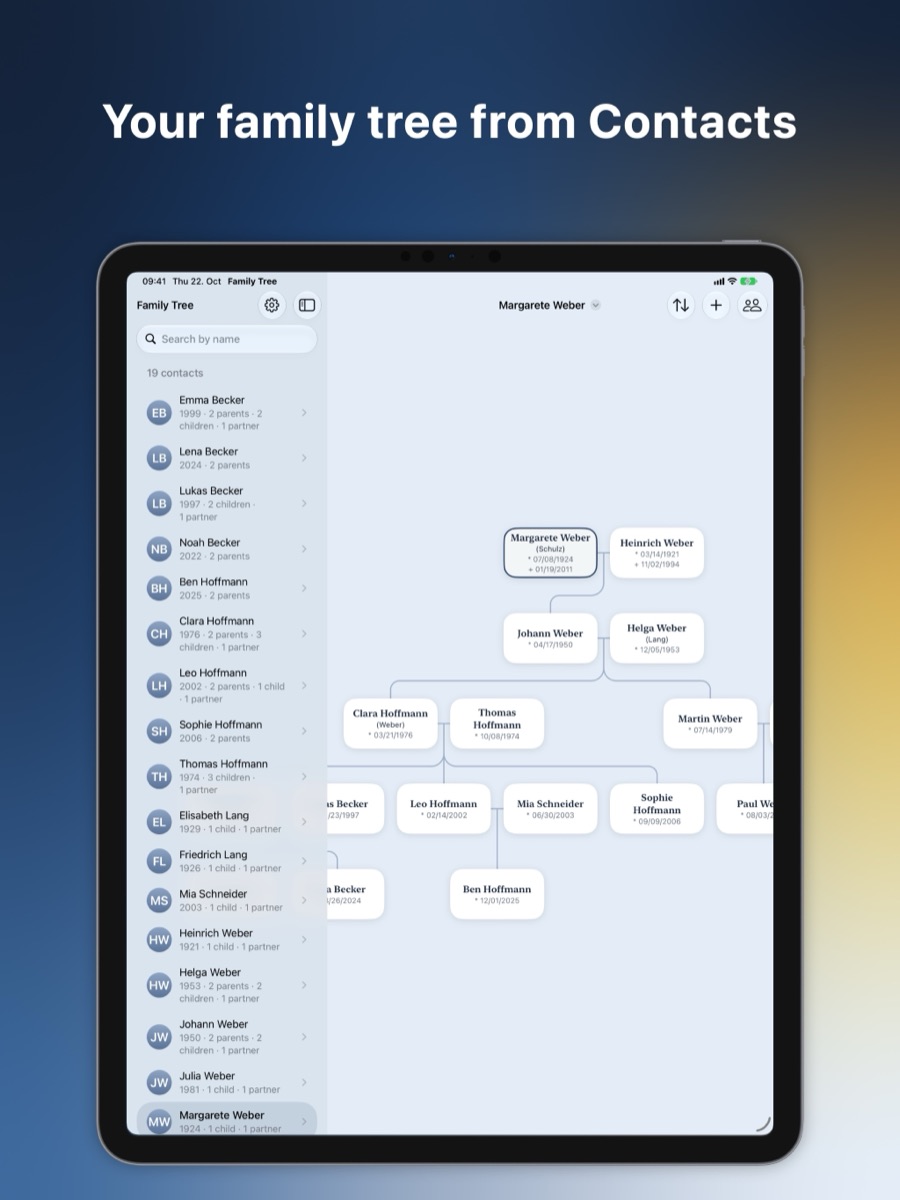
Your family tree from Contacts
The family you already carry around.
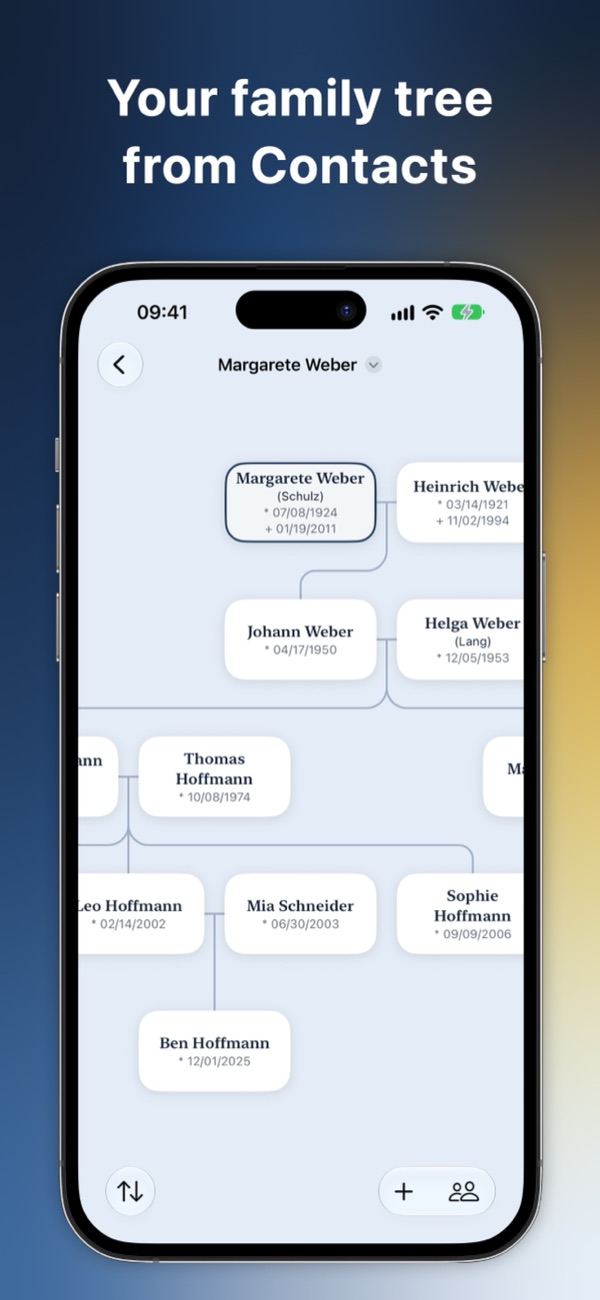
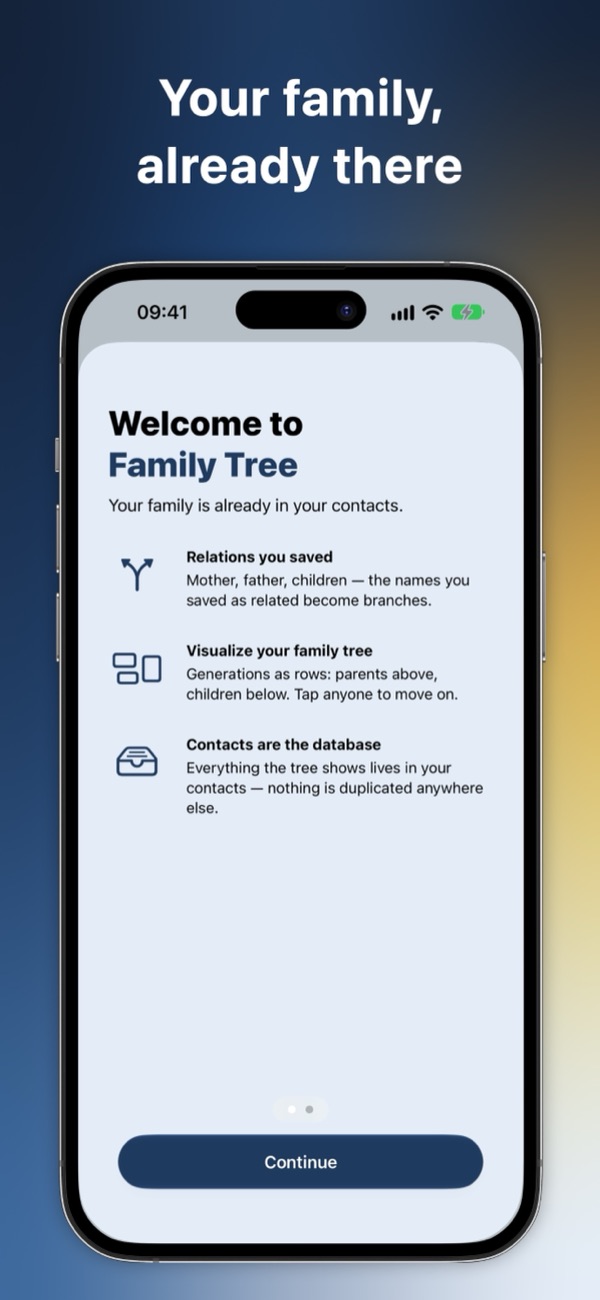
Family Tree reads the mother, father, child and partner entries in your contacts and draws them as a family tree. Contacts stays the single place for your data; the tree just shows it.
Coming soon to the App Store
- iPhone & iPad
- No account
- Your data stays on your device
A look at Family Tree
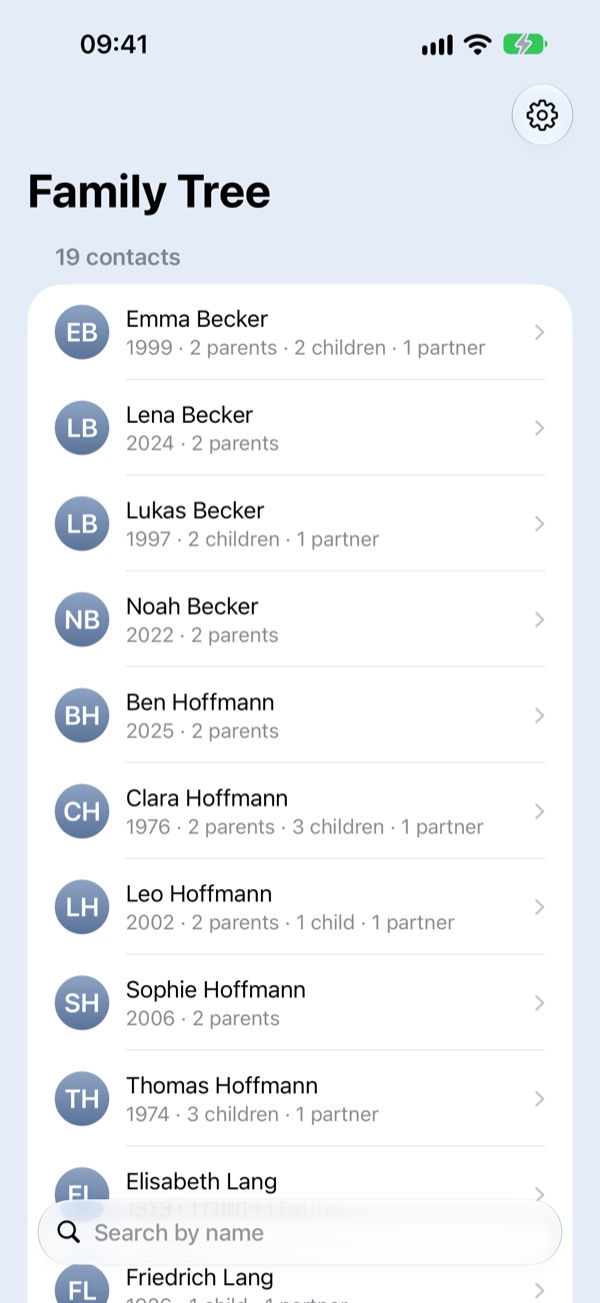
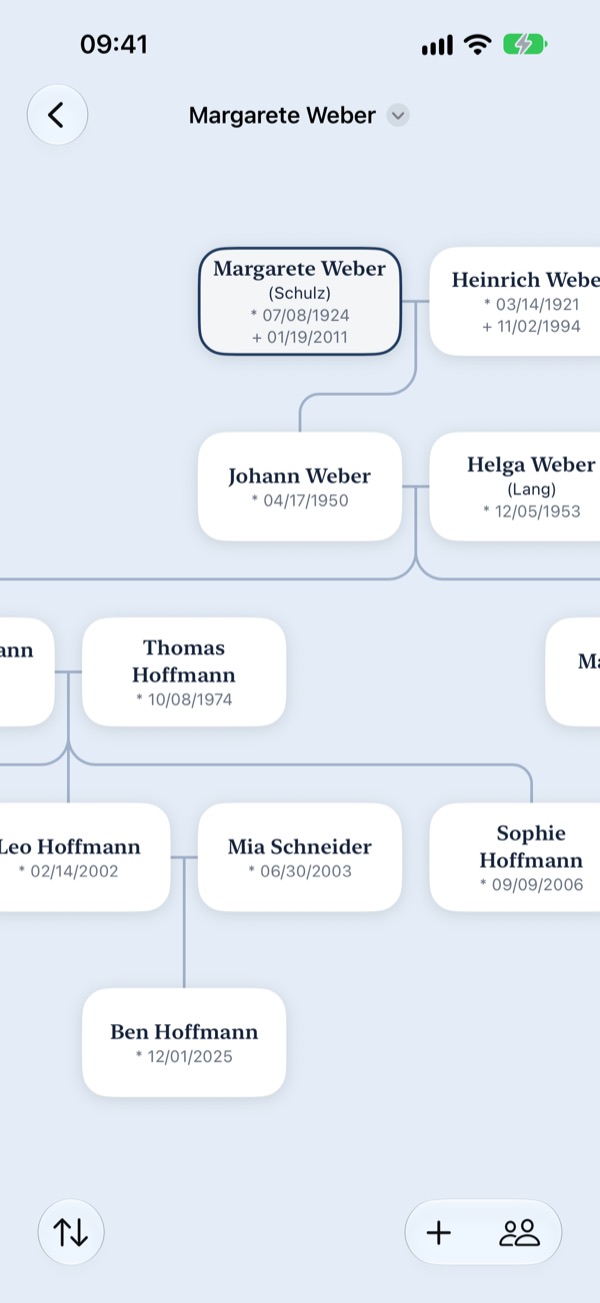
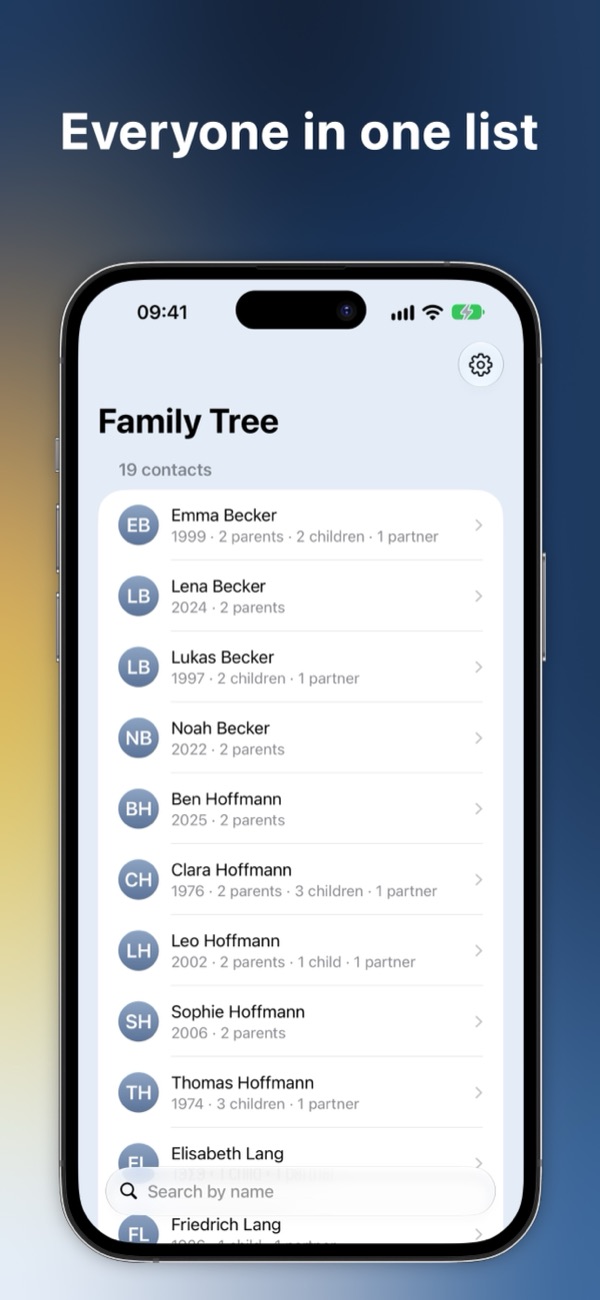
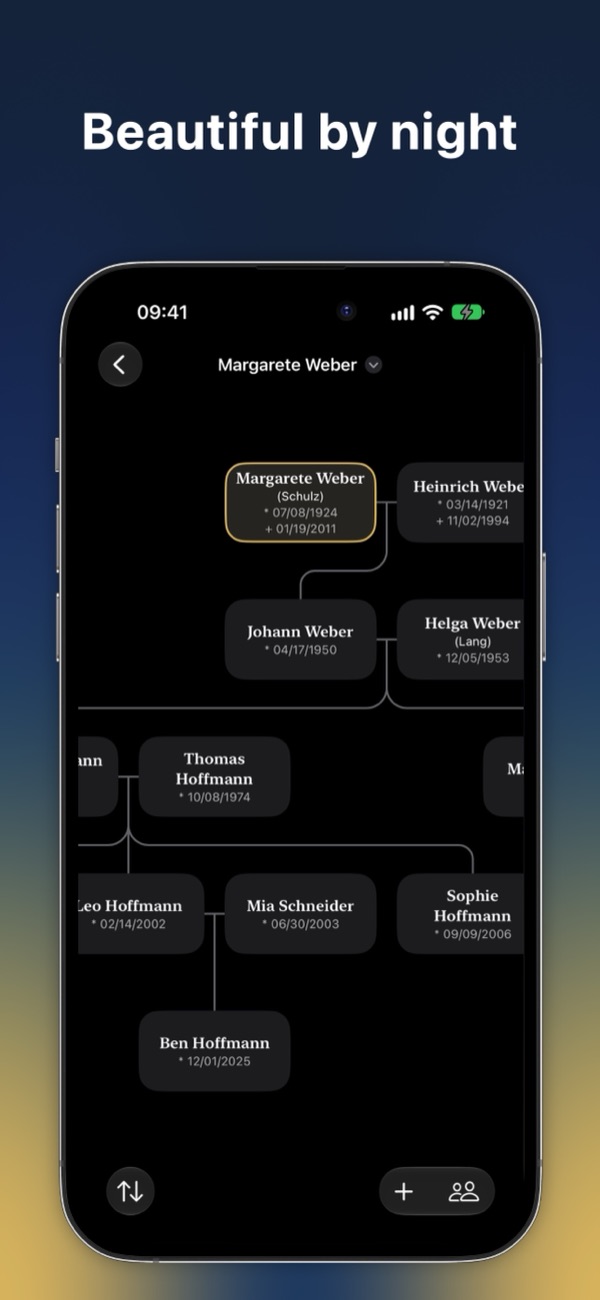
A tree of every generation, a list of everyone in it, and a PDF to share.
Built on your contacts
No second database and no account: your family is already in your phone.
-
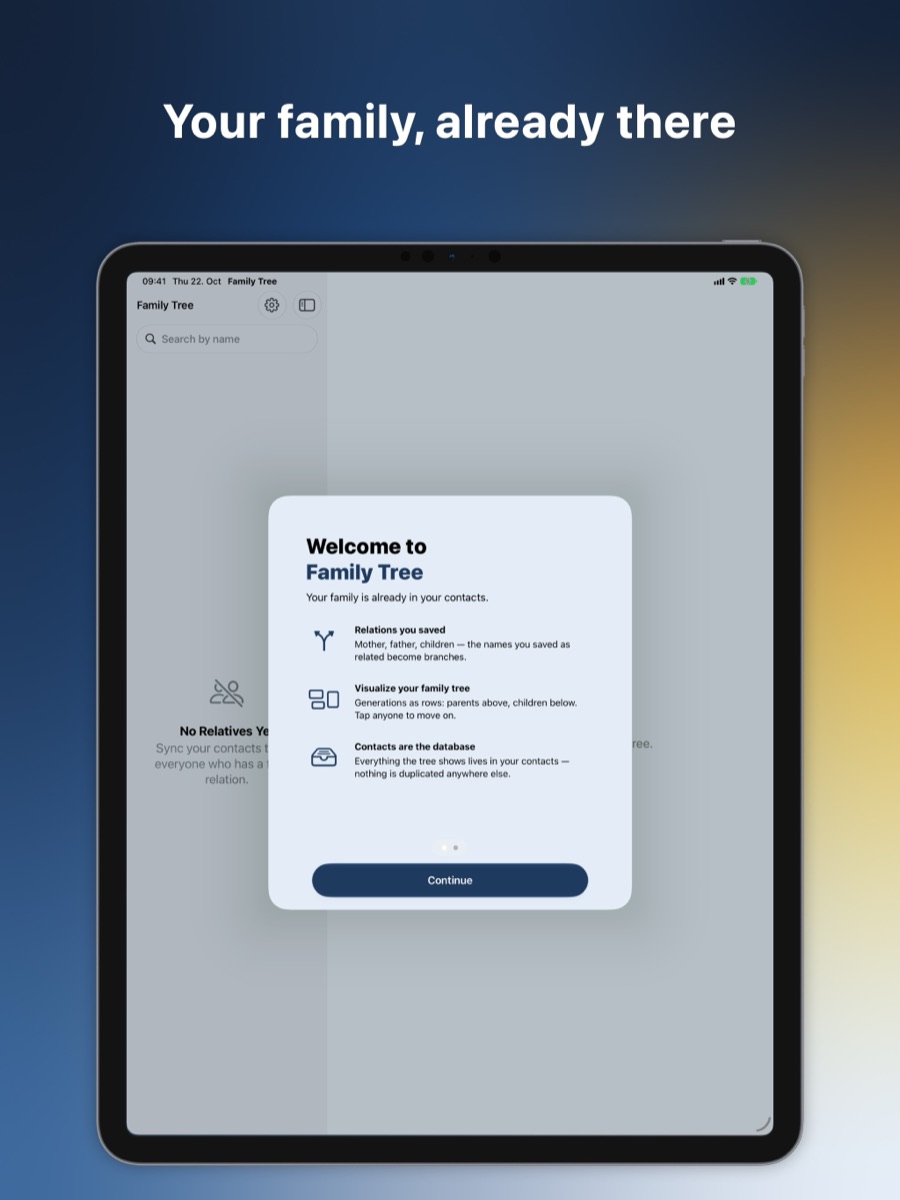
Built on your contacts
The relations in your contacts become a real family tree. Change a contact and the tree follows; nothing is copied into a second database.
-
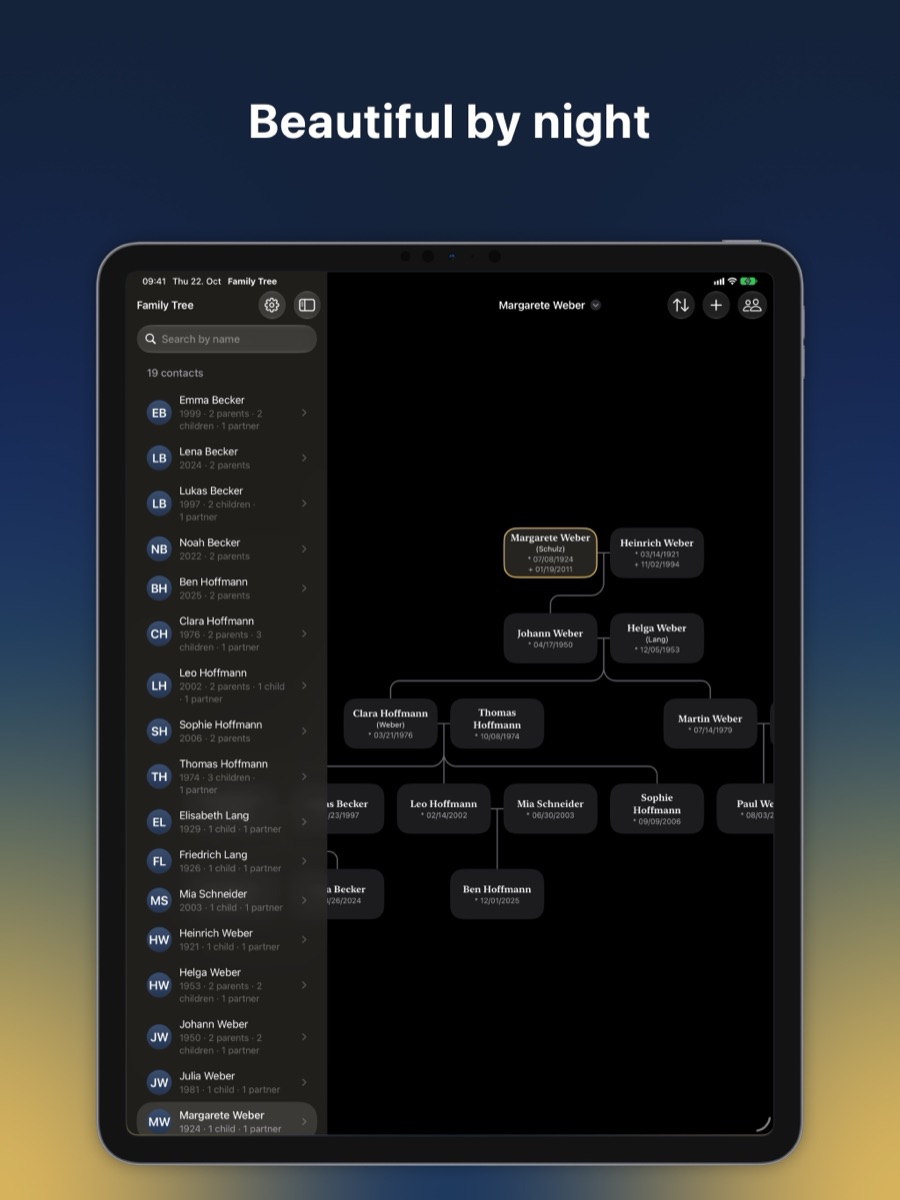
Explore the tree
Generations as rows, parents above and children below. Tap anyone to put them at the centre, and show ancestors, descendants or both.
-
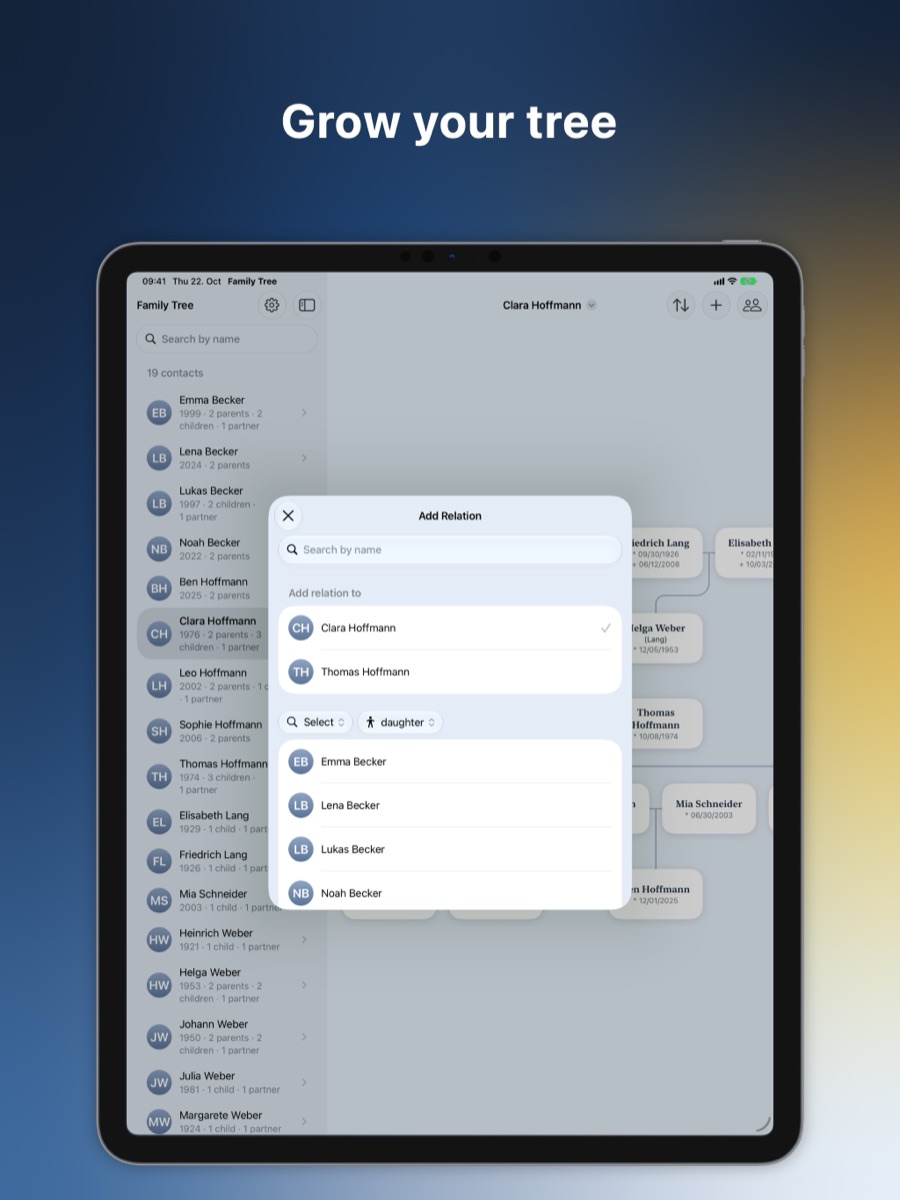
Grow your tree
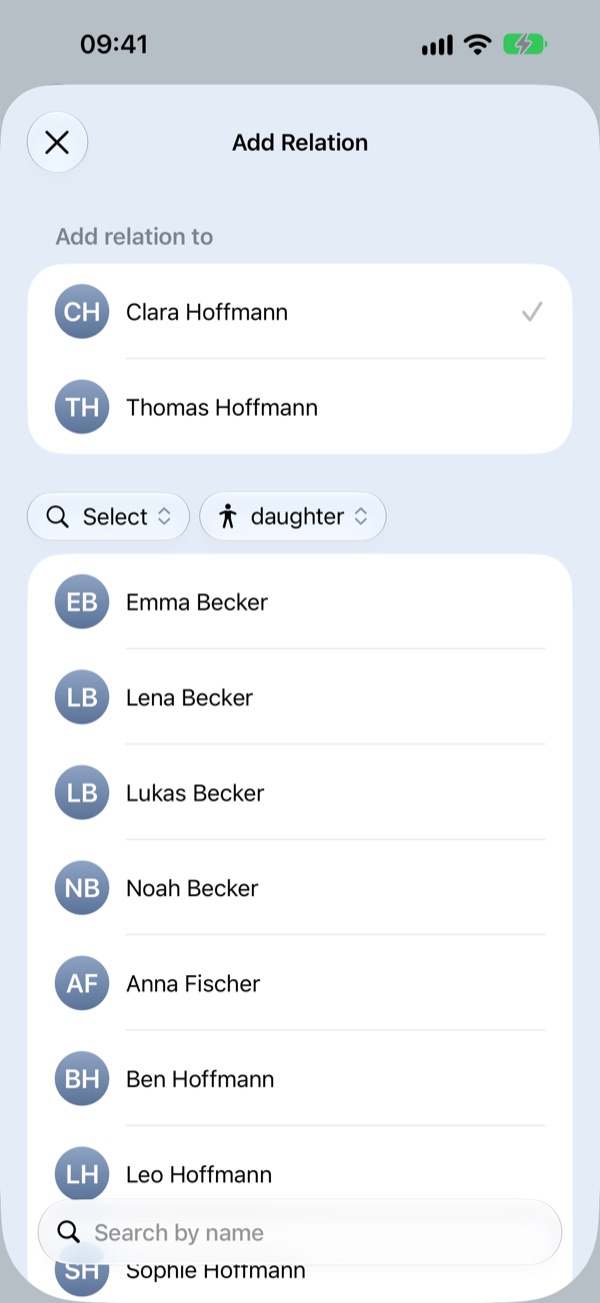
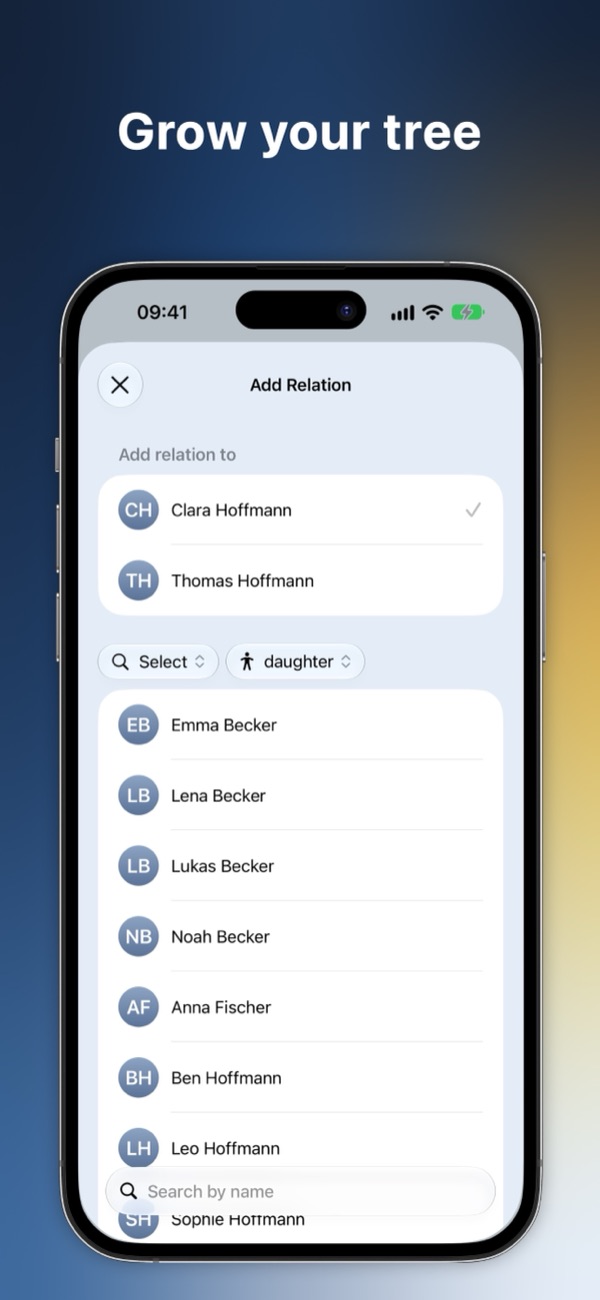
Add a father, mother, son, daughter or partner right from the tree. The contact and the relation are written to Contacts in one step.
-
Fix what does not match
A typo or a nickname quietly breaks a relation. Broken relations lists every name that matched nobody, so you can fix it in Contacts.
-
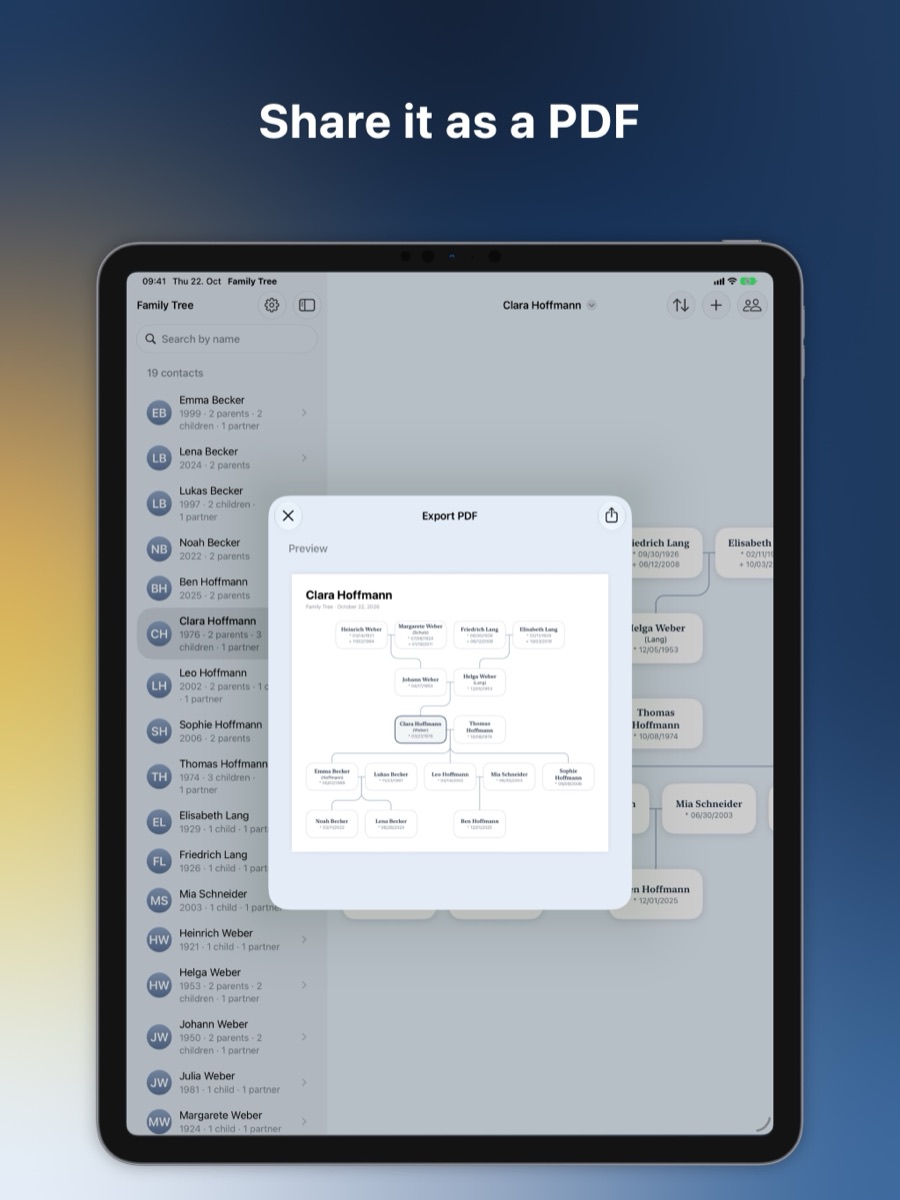
Share it as a PDF
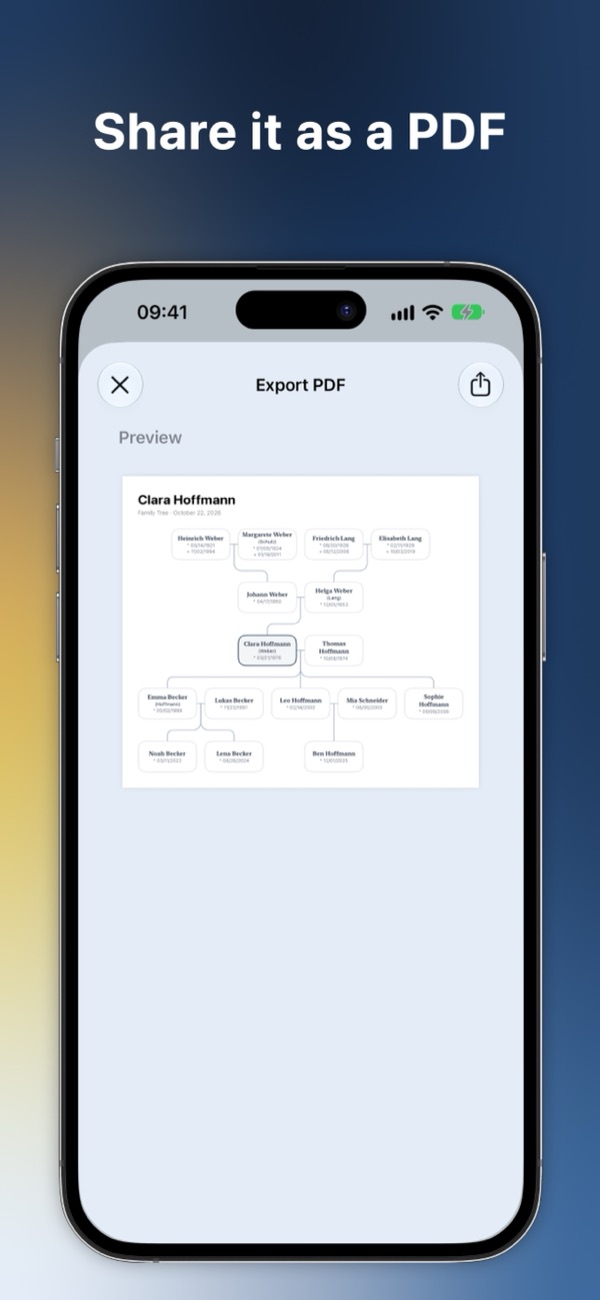
With Family Tree Pro, export your family tree as a PDF to share, print or keep, and show dates of death from a date label you choose.
-
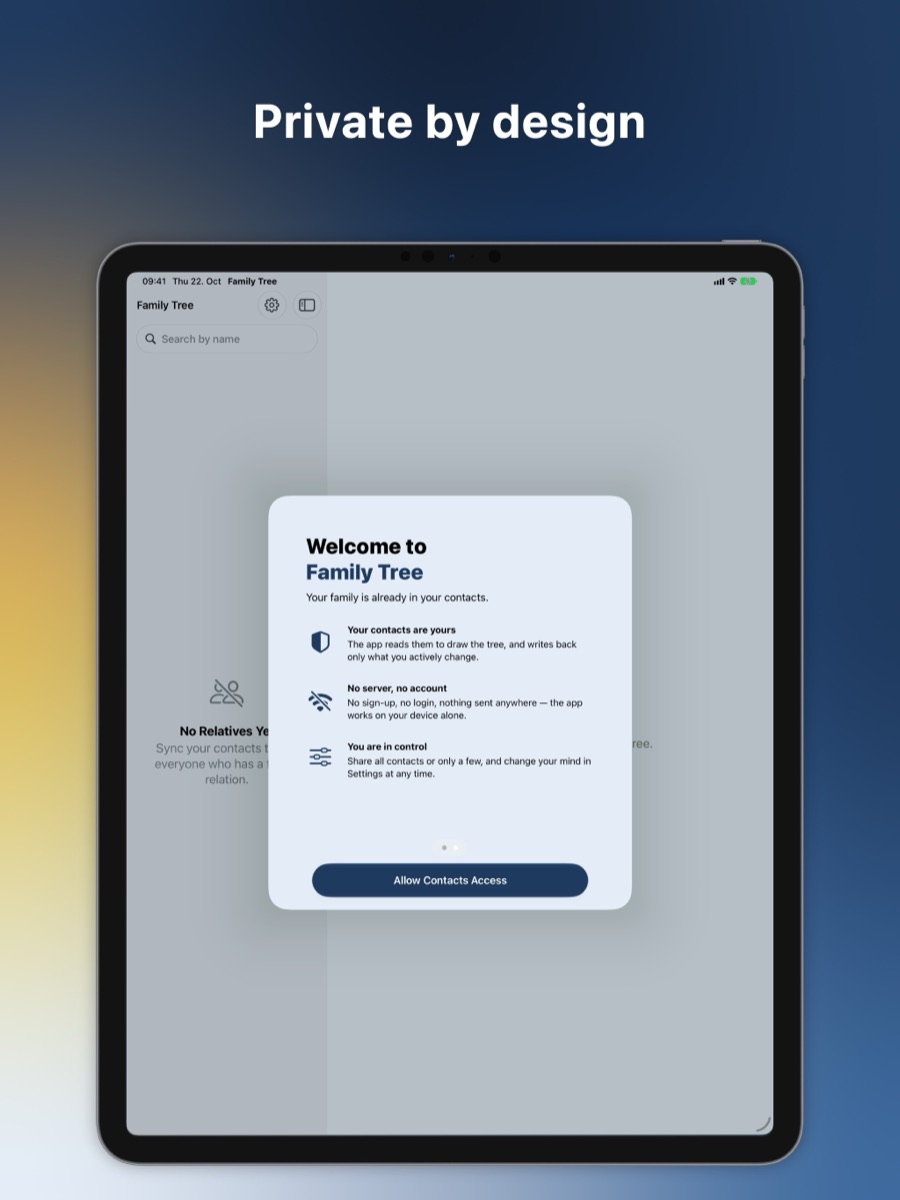
Private by design
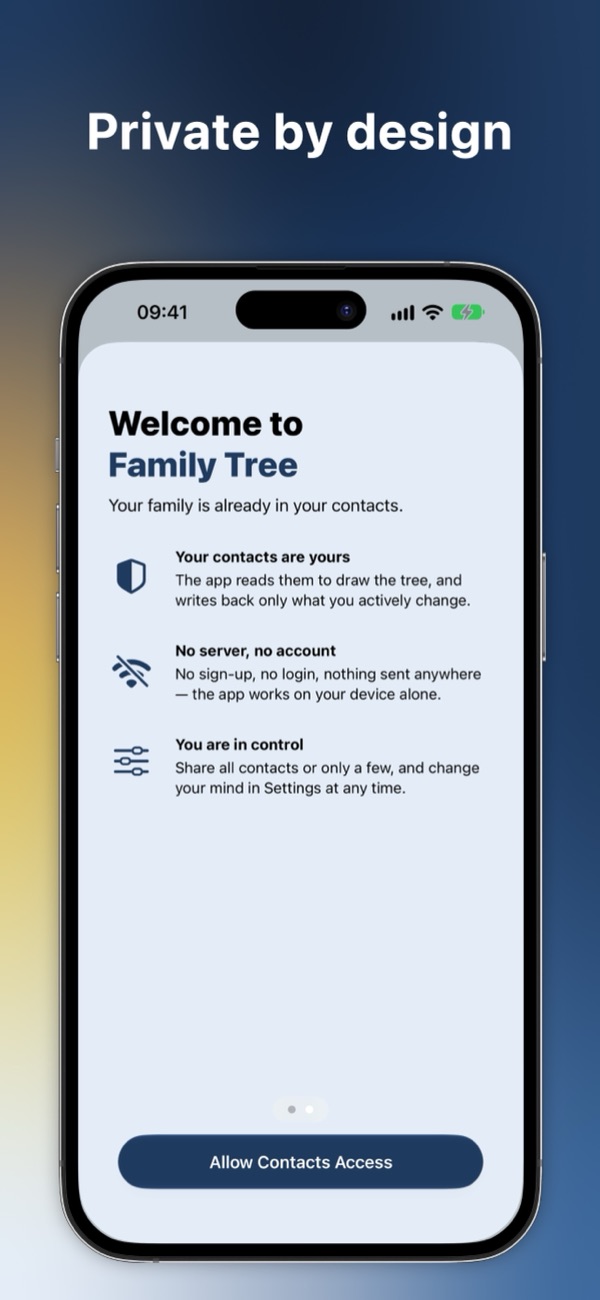
Your family data never leaves your device. Share all contacts or only a few; the tree works either way, even offline.
Support
Something not working, or an idea? Write to apps@t-schmutz.de. I read every message.
Write to meWhy does Family Tree use the Contacts app?
Your family already lives in Contacts. Family Tree reads the related names on your contact cards, such as mother or son, and draws them as a tree, so there is nothing to type in twice.
Where are my relations stored?
On the contact cards in Contacts. Every relation you add in Family Tree is written there too, so your other apps and devices see it, and nothing is lost when you delete the app.
Why is a relation missing or broken?
Contacts saves a related name as plain text. Family Tree connects it to the contact whose full name matches exactly, so a typo, a nickname or a missing middle name is enough to break the link. Broken relations in the people list shows each of them.
What does Family Tree Pro add?
Family Tree Pro is a one-time in-app purchase that supports the app's development. It adds the PDF export and dates of death, unlocks future features, and is shared with your Family Sharing group.
Do you collect data about me?
Family Tree has no account, and your contacts never leave your device. It uses usage analytics, which you can switch off in Settings, and crash reports to improve the app. The privacy policy explains each service.
How do I get in touch?
Write to apps@t-schmutz.de, or use "Give feedback" in the app's Settings.
Family Tree is coming soon
Family Tree will soon be on the App Store for iPhone and iPad. Family Tree Pro, a one-time in-app purchase, adds the PDF export and dates of death.
Coming soon to the App Store