
Easy Dice
Simple, modern dice for iPhone, iPad and Apple Watch
Roll the dice. Any dice.
Easy Dice is a simple, modern dice app for board games, role-playing and quick decisions: up to six dice, eight dice types and the total at a glance, on iPhone, iPad and Apple Watch.

- Free download
- iPhone, iPad & Apple Watch
- No account
A look at Easy Dice
One to six dice, eight dice types, and a background you like.
-
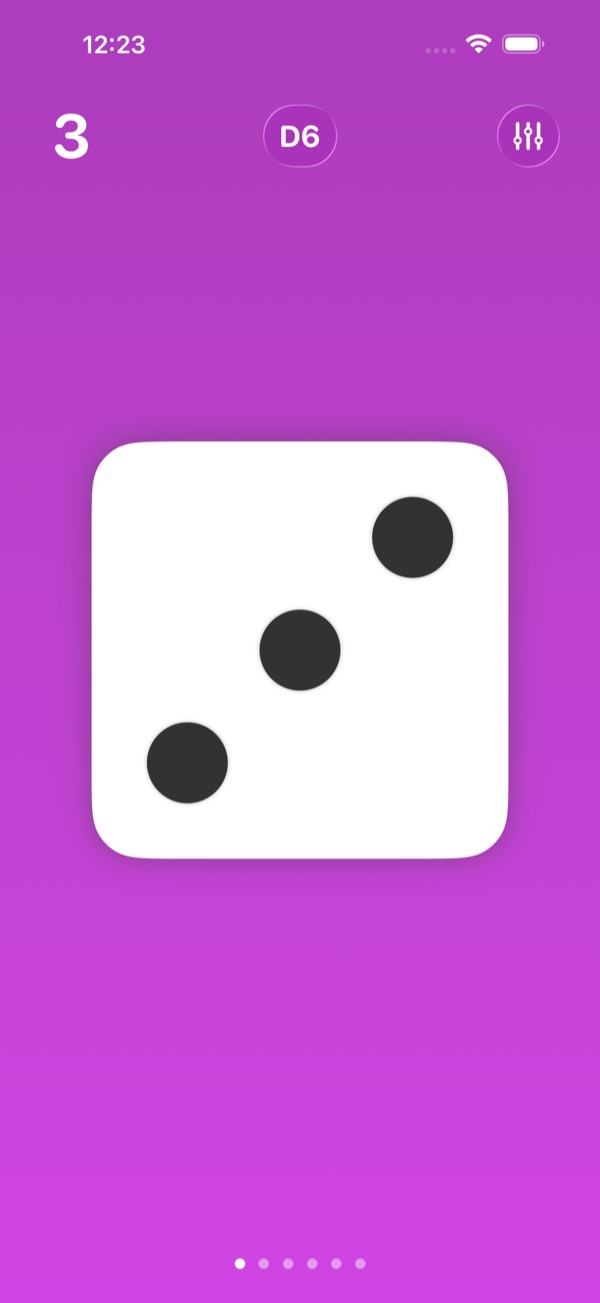
A single D6 on a colourful background -
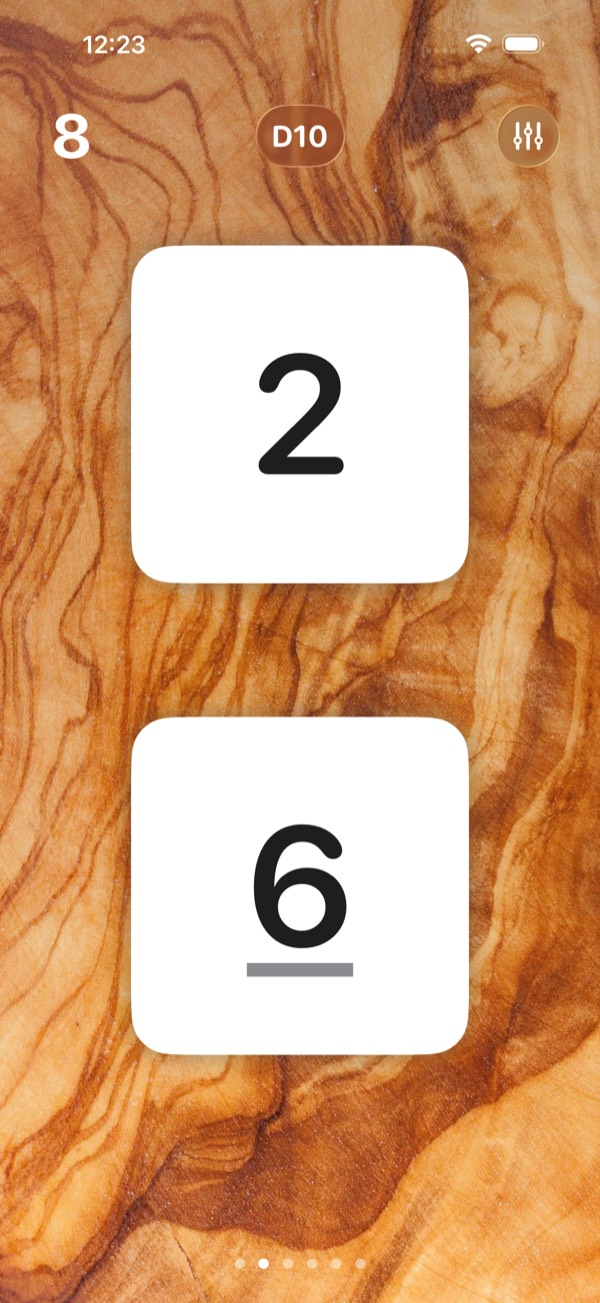
Two D10 on a wooden background -
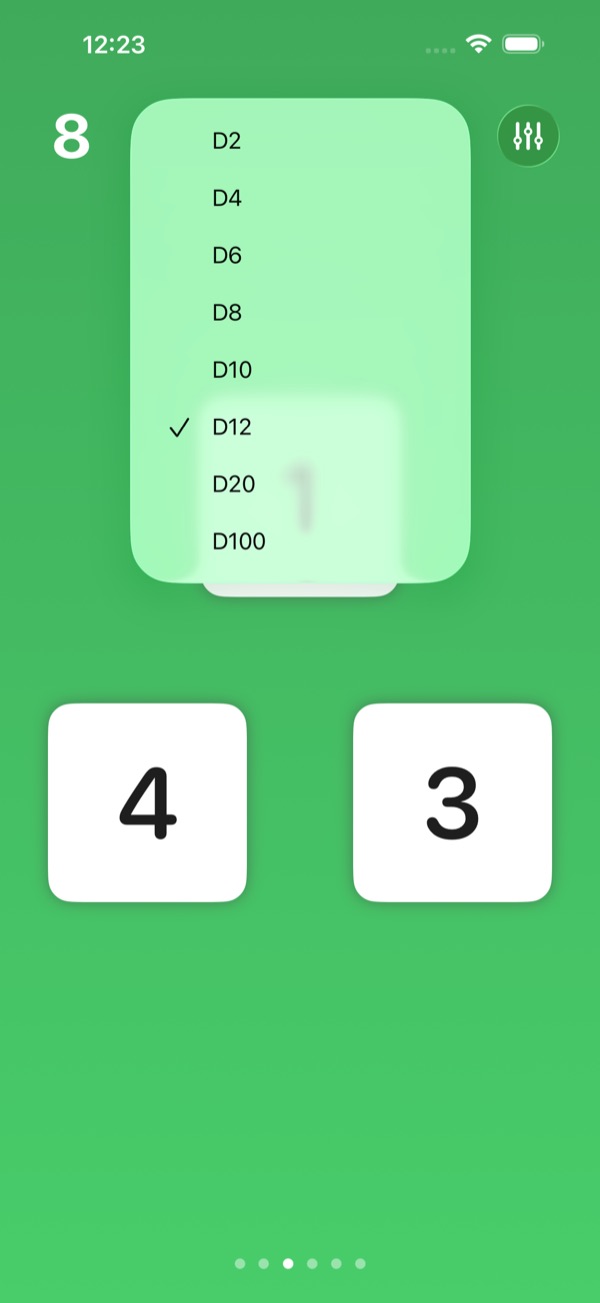
Pick any dice type, from D2 to D100 -
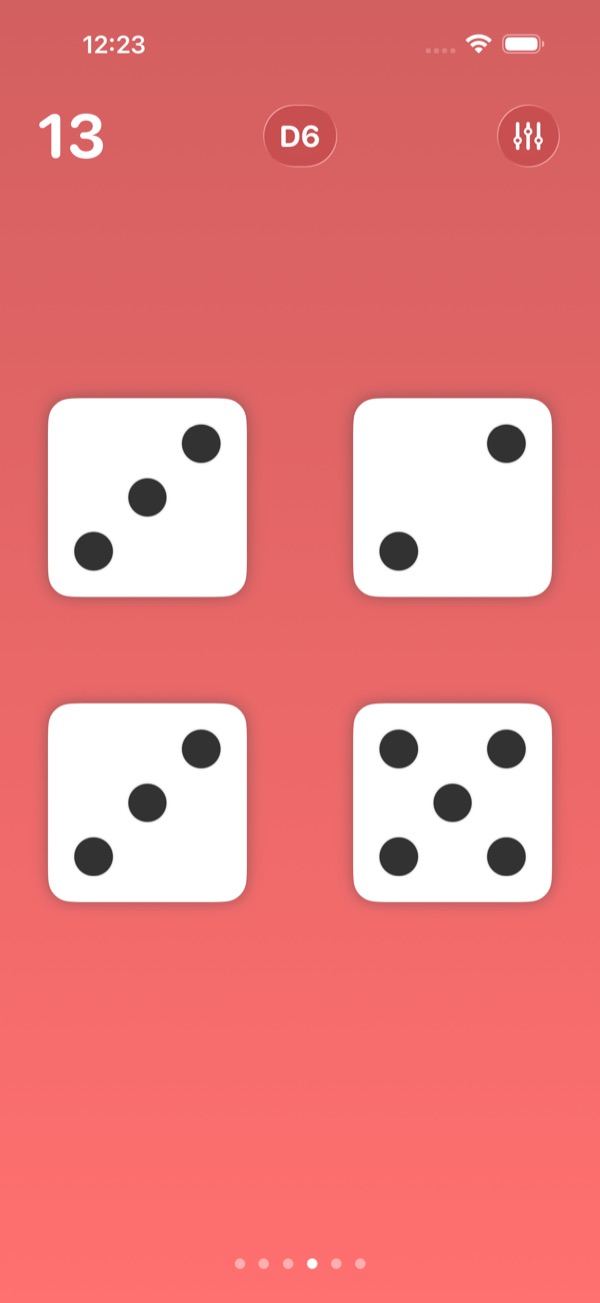
Four dice, with the total at the top -
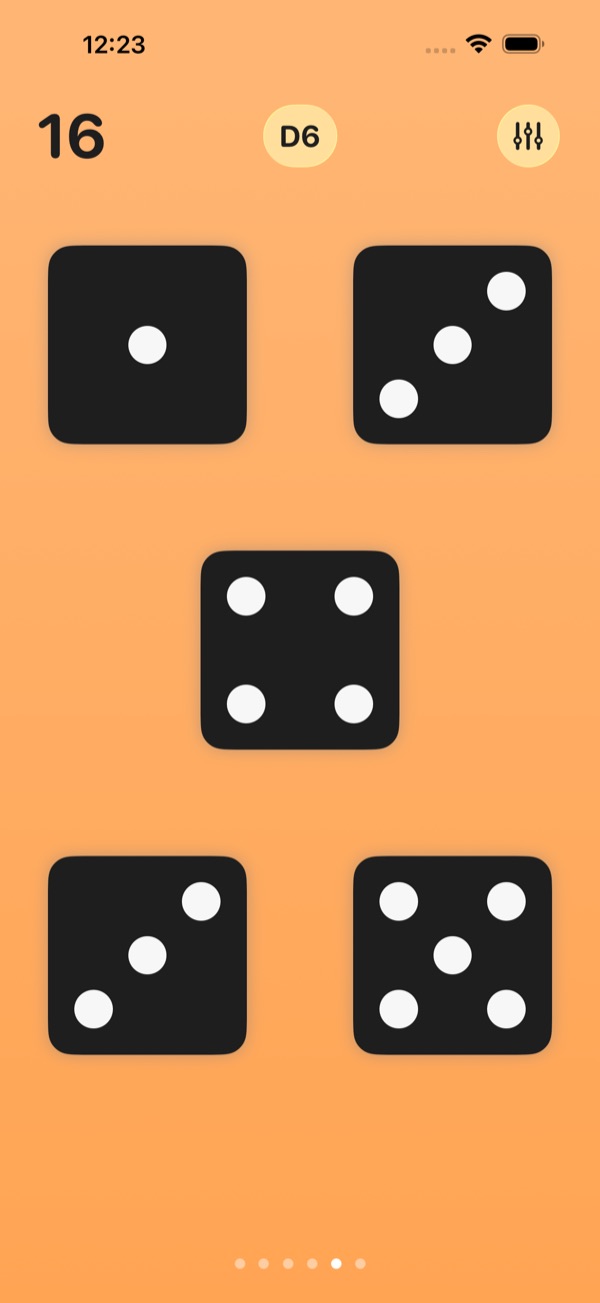
Five dice in the dark style -
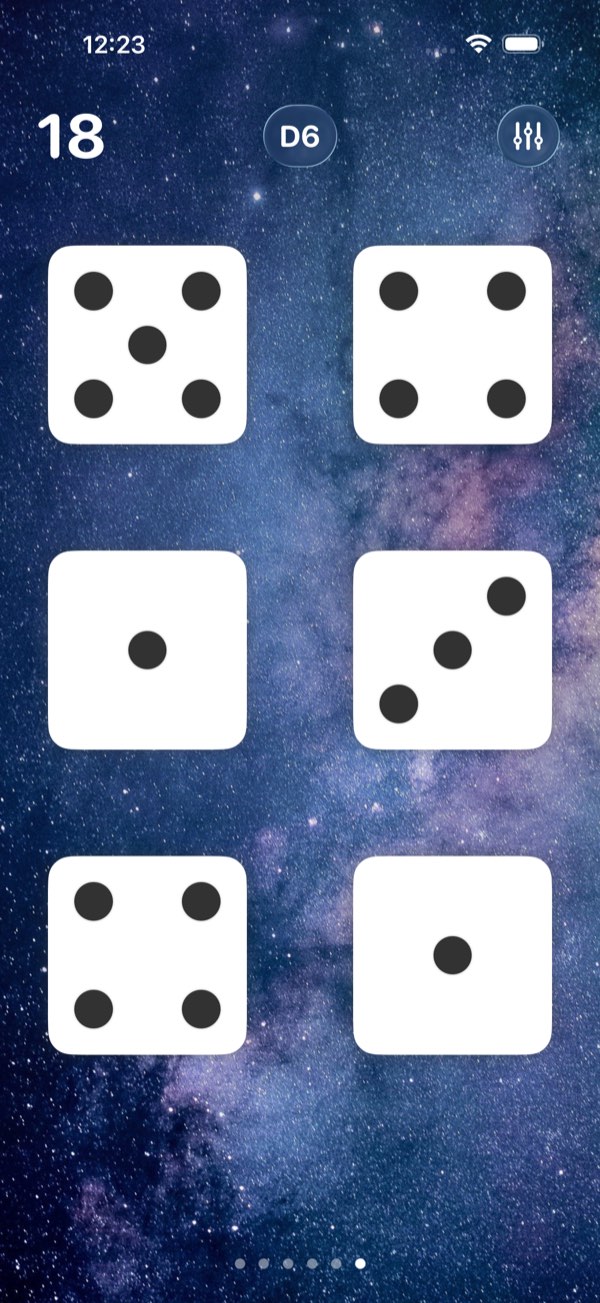
Six dice under a starry sky -
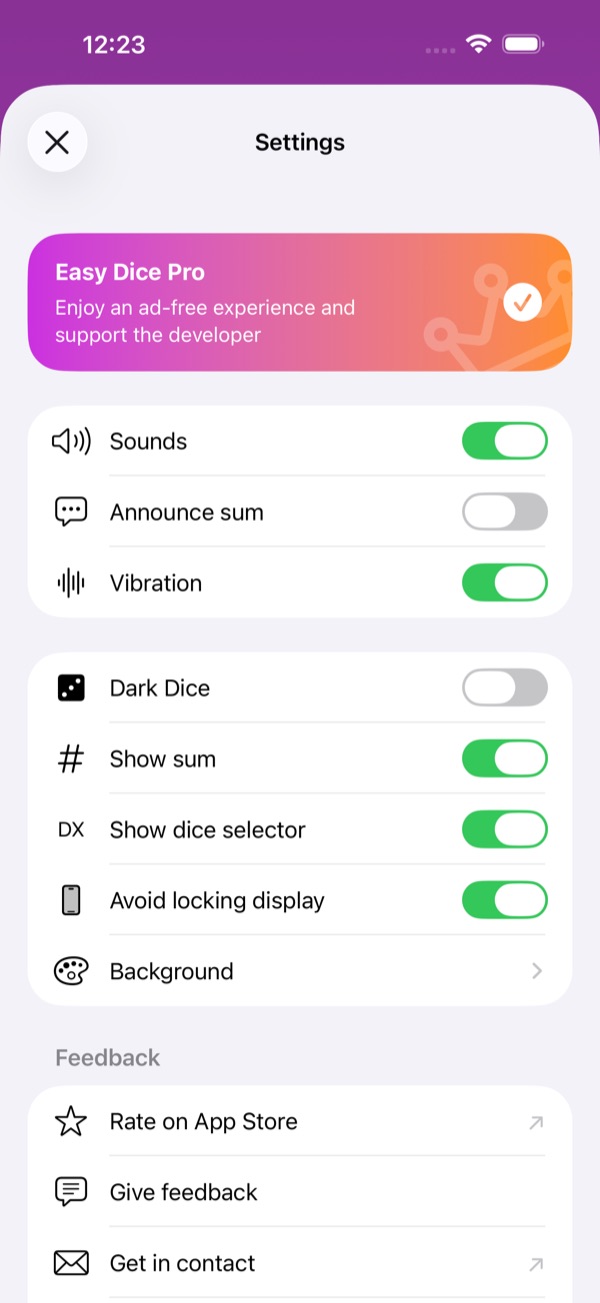
Sounds, vibration, dice style and more in Settings -
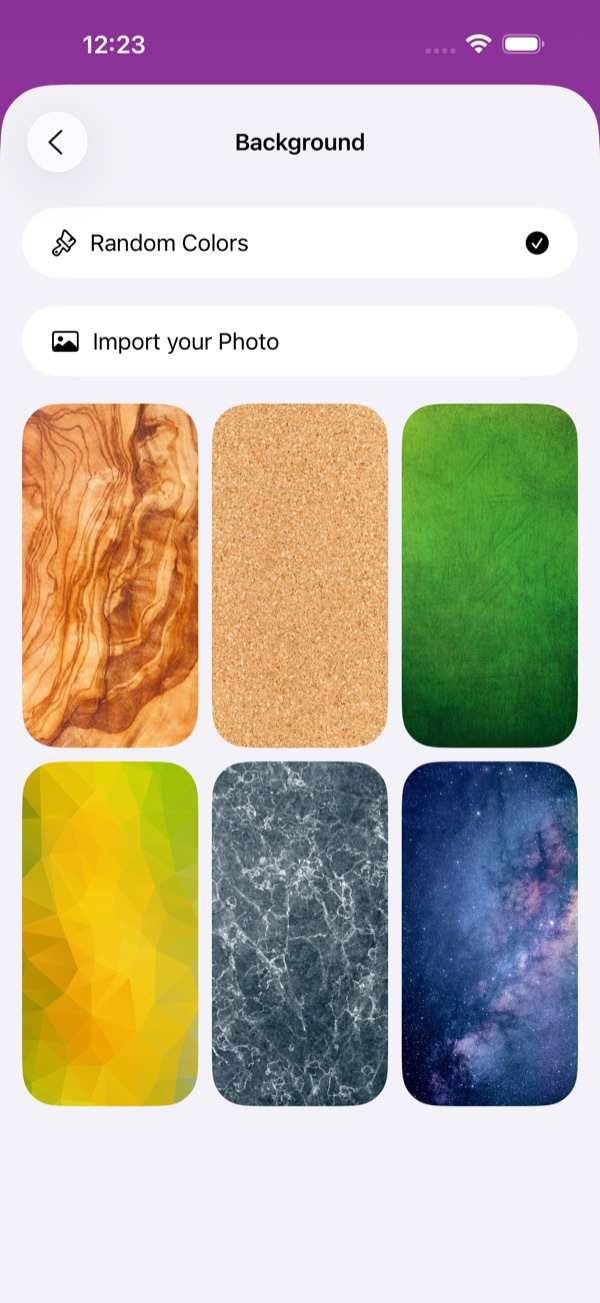
Choose a background or import your own photo
Everything a dice needs
Simple to use, quick to roll, and made to be read at a glance.
-
Up to six dice
Roll one to six dice at once and see their total instantly. Keep your finger on the screen and they keep rolling until you let go.
-
Every dice type
Switch between D2, D4, D6, D8, D10, D12, D20 and D100 with one tap on the dice button.
-
Sound, vibration, shake
Realistic rolling sounds and a gentle vibration with every roll. Or simply shake your iPhone to roll.
-
On your wrist
Roll up to four dice on Apple Watch, and open Easy Dice straight from a complication on your watch face.
-
Hear the sum
Easy Dice can announce the total of every roll in your language, and works with VoiceOver.
-
Make it yours
Colourful gradients, wood, cork, marble or a starry sky, or one of your own photos as background. White or dark dice.
Support
Something not working, or an idea? Write to apps@t-schmutz.de. I read every message.
Write to meWhat do I need to run Easy Dice?
An iPhone or iPad with iOS 17 or later. Easy Dice also comes with an app for Apple Watch.
How do I roll the dice?
Tap the dice. Keep your finger on them and they keep rolling until you let go, or simply shake your device.
How do I change the number of dice or the dice type?
Swipe left or right to roll one to six dice. Tap the dice button at the top, for example D6, to pick another type from D2 to D100. In Settings you can hide that button and the sum.
What does Easy Dice Pro add?
Easy Dice is free and shows a small ad banner. Easy Dice Pro, an in-app purchase, removes the ads and supports the development of the app.
Can I turn off the sound or the vibration?
Yes. Settings has a switch for each: sounds, announce sum, vibration, dark dice, show sum, the dice button, and keeping the display awake.
Do you collect data about me?
Easy Dice has no account. It uses usage analytics, which you can switch off in Settings, and crash reports to improve the app, and the free version shows ads. The privacy policy explains each service.
How do I get in touch?
Write to apps@t-schmutz.de, or use "Give feedback" in the app's Settings.
Get Easy Dice
Free on the App Store for iPhone, iPad and Apple Watch. Easy Dice Pro, an in-app purchase, removes the ads and supports the development.